Phishing remains one of the most dangerous and prevalent cyber threats in 2026. It accounts for over 90% of successful cyberattacks and serves as the primary entry point for data breaches, ransomware, and financial fraud. Attackers use social engineering to trick people into revealing sensitive information such as passwords, credit card details, or authorizing fraudulent payments.
With the rise of generative AI, deepfakes, and multi-channel attacks, phishing has become more sophisticated, personalized, and harder to detect than ever before.
What Exactly Is a Phishing Attack?
A phishing attack is a cybercrime where attackers impersonate trusted individuals or organizations (banks, companies, colleagues, or government agencies) to deceive victims. The goal is usually to steal login credentials, install malware, or trick the victim into transferring money.
Phishing relies heavily on psychological manipulation rather than technical exploits. Attackers create urgency, fear, or excitement to bypass rational thinking.
In 2025–2026, phishing volume stayed extremely high, with the Anti-Phishing Working Group (APWG) recording millions of unique phishing attacks annually. AI-generated phishing emails surged dramatically, especially during holiday seasons.
Common Types of Phishing Attacks in 2026
Phishing has evolved far beyond basic fake emails. Here are the most relevant types today:
- Email Phishing — The classic broad attack. Fraudulent emails that look legitimate, often containing malicious links or attachments.
- Spear Phishing — Highly targeted attacks aimed at specific individuals or organizations using personalized details.
- Business Email Compromise (BEC) — Attackers impersonate executives or vendors to request wire transfers or sensitive data. Losses from BEC scams continue to reach billions annually.
- Smishing (SMS Phishing) — Phishing via text messages. Losses from smishing reached hundreds of millions in recent years.
- Vishing (Voice Phishing) — Fraudulent phone calls, now often enhanced with AI voice cloning to impersonate CEOs or family members.
- Quishing (QR Code Phishing) — Malicious QR codes that lead to fake login pages or malware downloads. Millions of malicious QR codes were detected in 2025.
- Deepfake & AI-Generated Phishing — Hyper-realistic AI-written emails, cloned voices, and even deepfake video calls. AI-generated attacks saw massive surges (up to 14x in some periods).
- Whaling — Targets high-level executives (“whales”) with sophisticated, customized attacks.
- Clone Phishing — Duplicates a legitimate email but replaces safe links/attachments with malicious ones.
Other emerging tactics include evil twin Wi-Fi networks, OAuth redirection abuse, and attacks using shortened or manipulated URLs.
How Phishing Attacks Typically Work
- You receive a message that appears from a trusted source.
- It creates urgency (e.g., “Your account will be suspended in 24 hours”) or offers something tempting.
- You’re asked to click a link, scan a QR code, call a number, or download an attachment.
- The link leads to a fake website that looks identical to the real one, where you enter credentials.
- Alternatively, the attachment installs malware, or the call tricks you into revealing information verbally.
Modern attacks often bypass basic email filters using AI personalization and legitimate-looking domains.
Red Flags to Watch For in 2026
- Unexpected requests for passwords, payments, or urgent actions.
- Sender address that looks slightly off (e.g., support@compаny.com using Cyrillic “а”).
- URLs that don’t match the official domain (hover to check).
- Poor grammar is less common now — AI makes messages nearly perfect.
- Pressure tactics: “Act immediately!” or threats of account closure.
- Unsolicited attachments or QR codes.
- Requests that come via multiple channels (email + SMS + call).
How to Stay Safe: Best Protection Strategies in 2026
No single tool provides 100% protection. Use layered defense (defense-in-depth):
- Verify Before You Click or Act Never click links or scan QR codes in unsolicited messages. Instead, manually type the official website URL or call the organization using a known, verified phone number.
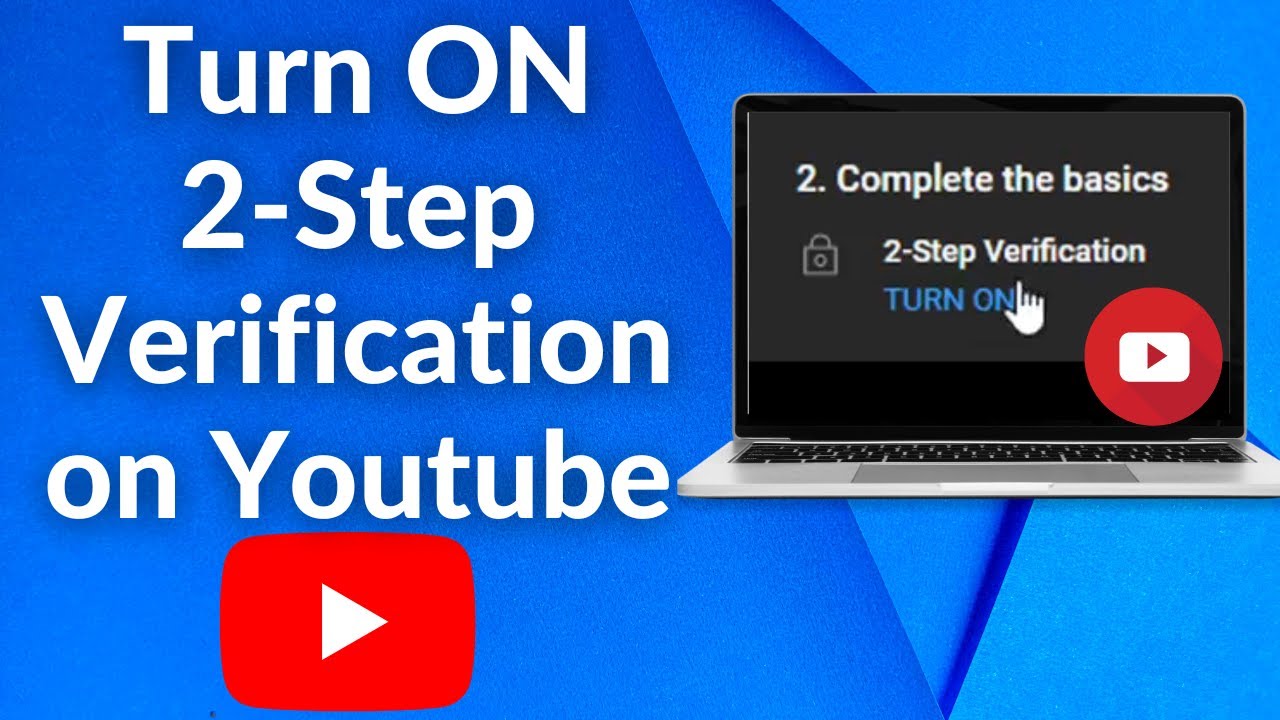
- Use Phishing-Resistant Authentication Enable multi-factor authentication (MFA) everywhere — preferably phishing-resistant options like hardware security keys (FIDO2/passkeys) or authenticator apps instead of SMS codes.
- Keep Software and Security Tools Updated Use modern email security with AI detection (Microsoft Defender, Google Workspace protections, or third-party solutions). Keep your operating system, browser, and antivirus current.
- Be Extremely Careful with Attachments and QR Codes Scan attachments with security software. Avoid scanning random QR codes from emails or texts.
- Train Yourself and Your Team Regularly Participate in security awareness training and simulated phishing exercises. Organizations with recent training see significantly higher reporting rates of suspicious messages.
- Use Browser and Email Protections Enable features like Microsoft Safe Links, Google Safe Browsing, and spam filters. Consider password managers that autofill only on verified domains.
- Adopt Zero-Trust Habits Assume every unexpected request is suspicious. Contact the supposed sender through a separate, verified channel to confirm.
- Monitor Accounts Closely Review bank statements, login activity, and credit reports regularly. Enable transaction alerts.
- For Businesses Implement DMARC/SPF/DKIM email authentication, advanced email gateways, employee training programs, and phishing-resistant MFA for admin accounts. Consider AI-powered threat detection tools.
What to Do If You Fall Victim to Phishing
- Immediately change affected passwords.
- Enable MFA on all accounts if not already active.
- Contact your bank or service provider to report fraud and freeze accounts if needed.
- Scan your device for malware.
- Report the incident to authorities (e.g., FTC in the US, local cybercrime units) and your organization’s IT/security team.
- Monitor for identity theft.
Final Thoughts
Phishing attacks in 2026 are smarter, faster, and more convincing thanks to AI and deepfake technology. However, the majority can still be stopped by human vigilance combined with strong technical controls.
The best defense is a combination of skepticism (“If in doubt, check it out”), modern security tools, and ongoing education. Stay informed, verify everything, and never let urgency override caution.
By following these practices, you can dramatically reduce your risk of becoming the next phishing victim.