27 / 27
In today’s fast-paced professional landscape, AI tools have become essential for enhancing office work and business productivity. As of March 2026, these tools automate repetitive tasks, provide intelligent insights, streamline collaboration, and free up time for strategic thinking. From integrated office suites to specialized assistants, the right AI stack can dramatically boost efficiency for individuals and teams alike.
Here are some of the top AI tools dominating office and business productivity in 2026, categorized for clarity. These selections draw from widespread adoption, real-world impact, and consistent praise across reviews and expert roundups.
1. Integrated Workspace AI Assistants
These embed directly into everyday office tools like documents, spreadsheets, emails, and meetings—delivering seamless productivity gains without switching apps.
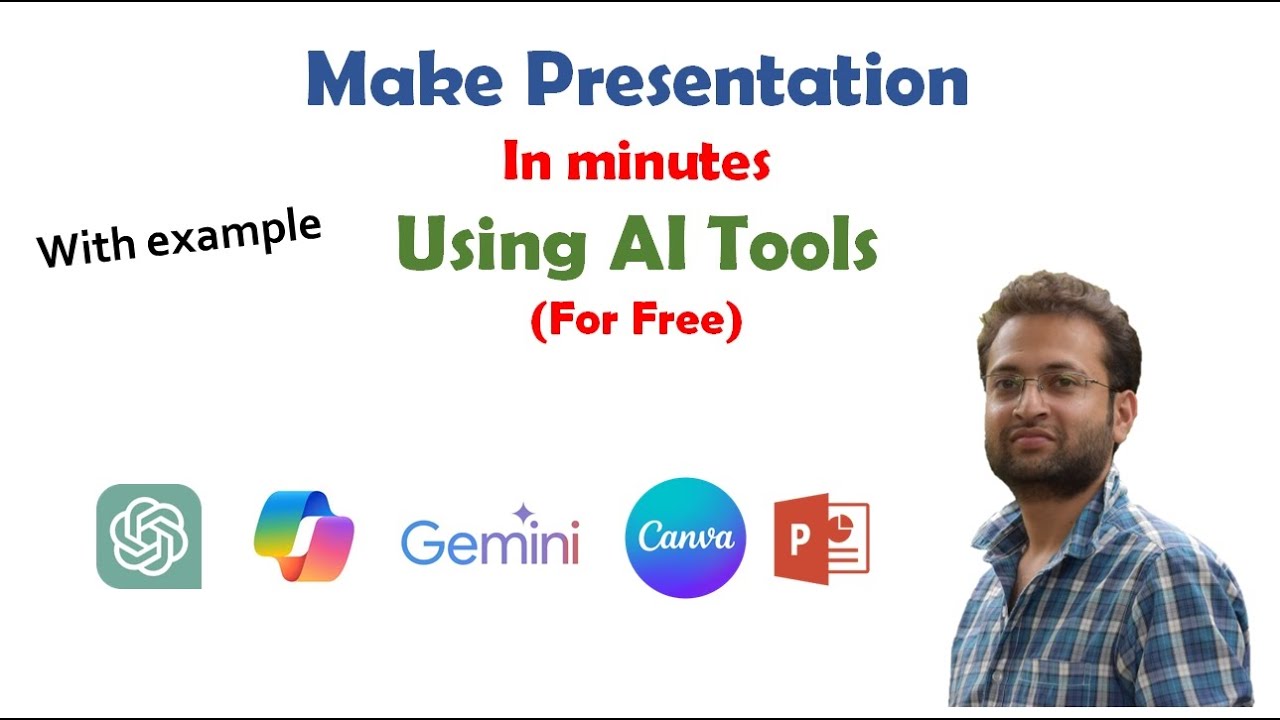
- Microsoft 365 Copilot The go-to for Microsoft-centric teams, Copilot integrates across Word, Excel, PowerPoint, Outlook, Teams, and more. It summarizes meetings, drafts emails, analyzes data in spreadsheets, generates presentations, and even coaches tone in communications. Businesses report massive time savings on document-heavy work. Ideal for enterprises already in the Microsoft ecosystem.
- Gemini for Google Workspace Google’s equivalent shines in Docs, Sheets, Slides, Gmail, and Meet. It excels at real-time collaboration suggestions, email drafting/summarization, data insights, and meeting notes. Native integration means faster adoption for Google users, with strong multimodal capabilities (e.g., handling images/videos).
2. General-Purpose AI Chatbots & Assistants
Versatile powerhouses for writing, research, brainstorming, coding, and problem-solving.
- ChatGPT (OpenAI) — Especially Enterprise/Plus versions Still the most widely used for everyday tasks: drafting reports, emails, code snippets, brainstorming ideas, and quick research (with web access). Its voice mode and custom GPTs make it incredibly flexible for office scenarios.
- Claude (Anthropic) Preferred for high-quality writing, complex reasoning, document analysis, and ethical outputs. It handles long contexts exceptionally well, making it great for strategy docs, detailed summaries, or iterative content creation.
- Perplexity An AI-powered search engine that combines real-time web results with cited sources. Perfect for fast, accurate research without hallucinations—ideal for reports, competitive analysis, or fact-checking.
3. Meeting & Transcription Assistants
Meetings eat time; these tools capture, summarize, and action them automatically.
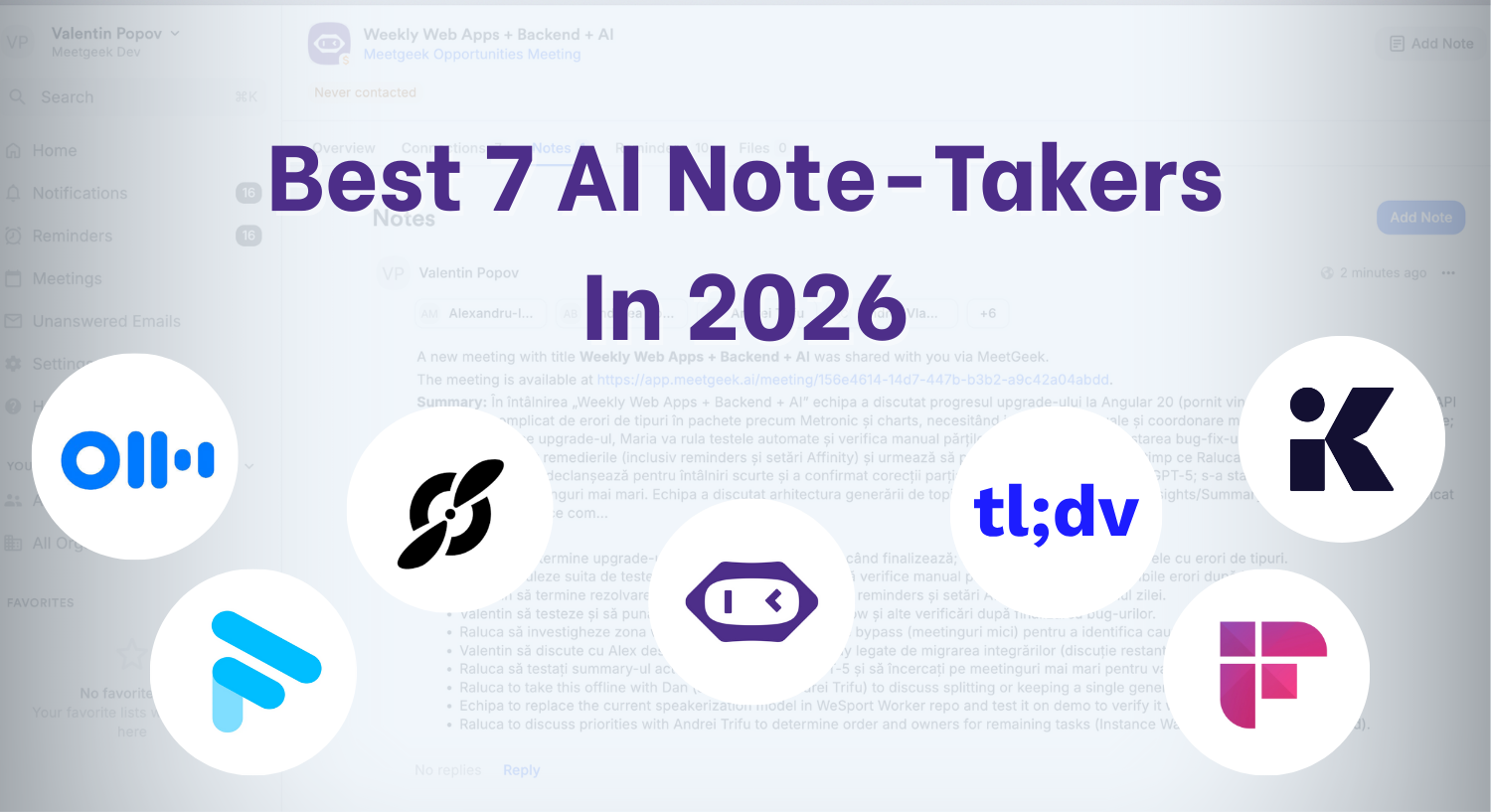
- Fireflies.ai or Otter.ai Auto-join calls (Zoom, Teams, etc.), transcribe in real-time, generate summaries, extract action items, and integrate with calendars/CRMs. Fireflies often edges out for business integrations, while Otter excels in searchable notes.
- Granola or similar emerging notetakers Focused on intelligent, context-aware summaries that feel more human-like.
4. Task, Project & Automation Management
AI here predicts bottlenecks, automates workflows, and optimizes schedules.
- ClickUp Brain or Asana AI AI-enhanced project platforms that auto-generate tasks, summarize progress, suggest priorities, and write descriptions. ClickUp stands out for all-in-one workspaces; Asana for structured team workflows.
- Notion AI Transforms Notion into a smart knowledge base: auto-organizes notes, summarizes pages, generates ideas, and drafts content. Excellent for teams drowning in docs and wikis.
- Zapier (with AI features) The king of automation—now with AI orchestration and agents. Connect apps, build no-code workflows, and automate repetitive office processes (e.g., data entry, notifications).
- Motion or Reclaim.ai AI schedulers that auto-prioritize tasks, block focus time, and optimize calendars to prevent overload.
5. Specialized Boosters
- Grammarly Business — Advanced writing intelligence for tone, clarity, and brand consistency across teams.
- Shortwave (for Gmail) or Copilot in Outlook — AI email organizers that triage inboxes and draft replies.
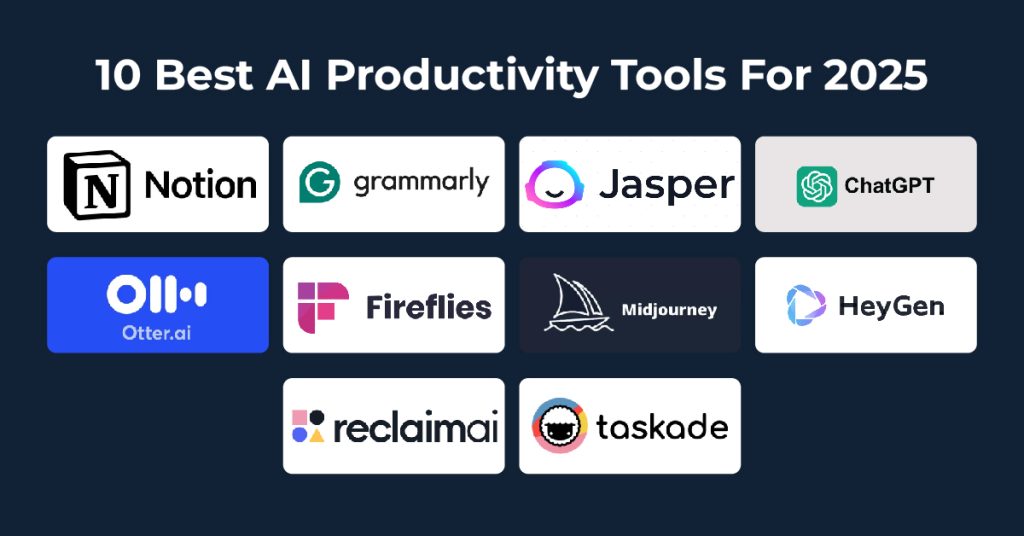
To illustrate some of these tools in action, here are relevant visuals:
In 2026, the most productive professionals combine 3–5 tools rather than chasing every new one. Start with your core suite (Microsoft or Google), add a general chatbot like Claude or ChatGPT, and layer in meeting/project tools as needed. The key is integration—tools that connect via Zapier or native APIs deliver the biggest wins.
Experiment, measure time saved, and iterate. AI isn’t replacing jobs—it’s amplifying those who use it strategically. What AI tools are transforming your workflow right now?