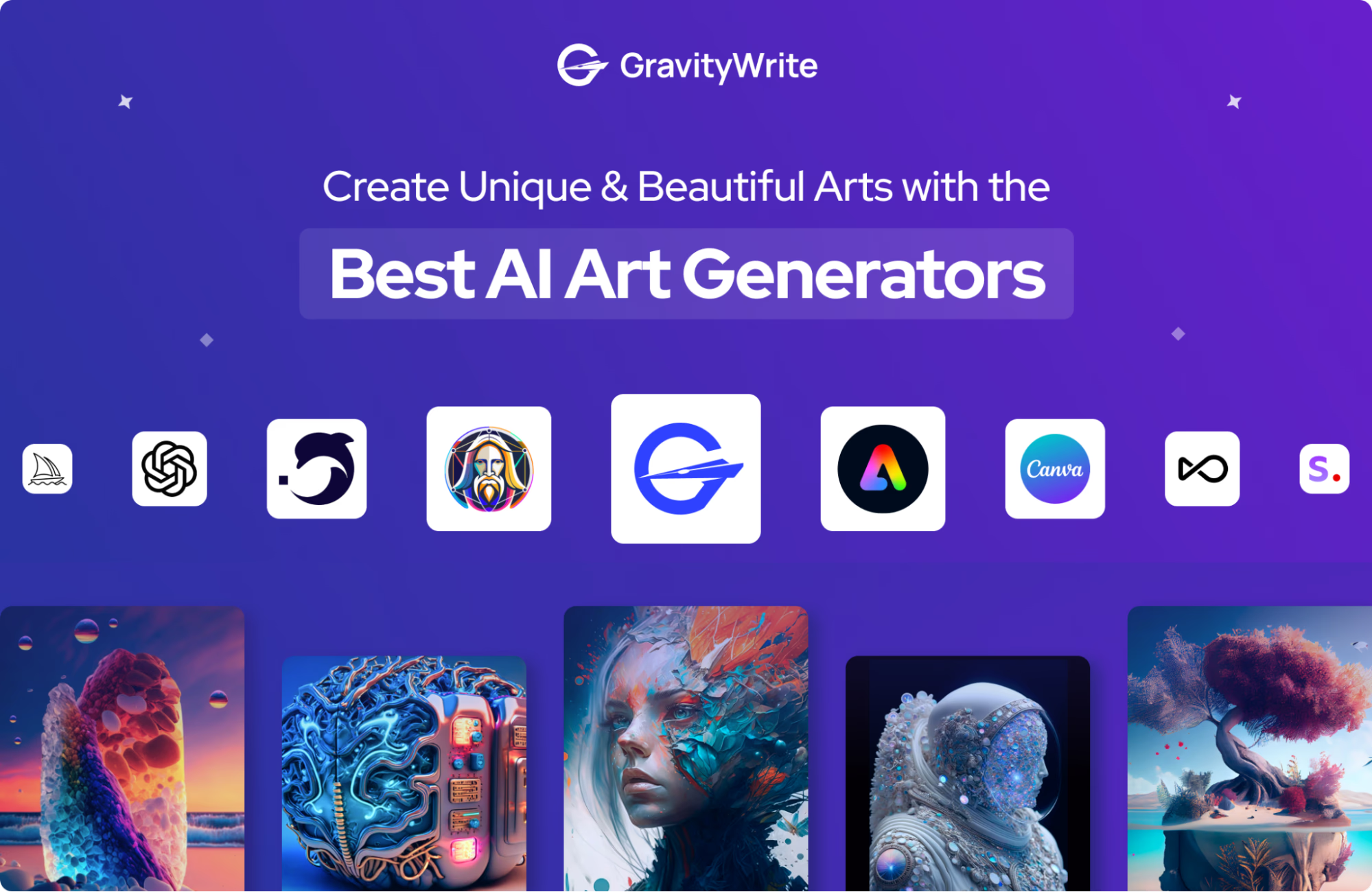
Creating stunning images with AI has never been easier or more powerful. As of March 2026, text-to-image generators have advanced dramatically, delivering near-photorealistic results, excellent prompt adherence, accurate text rendering in images, and creative artistic styles. Whether you’re a digital artist, content creator, marketer, designer, or hobbyist, these tools can turn detailed descriptions into jaw-dropping visuals in seconds.
Here are the top AI art generator websites right now, based on recent expert reviews, user feedback, and head-to-head comparisons from sources like PCMag, CNET, Zapier, and various tech testers.
1. Google Gemini (Nano Banana Pro / Gemini 3)
Google’s latest powerhouse (often called Nano Banana Pro in reviews) frequently tops 2026 lists for overall quality, realism, prompt accuracy, and features like perfect text-in-image rendering and image editing/morphing. It’s integrated directly into the Gemini chat interface for seamless conversational refinements.
Best for: Photorealism, complex scenes, beginners to pros needing high accuracy. Key features: Excellent detail, multi-language text handling, free tier with limits, Pro plan unlocks more. Pros: Often the clearest winner in blind tests for realism and adherence. Cons: Some features require Google AI Pro subscription (~$20/month). Access: gemini.google.com (free limited generations; paid for unlimited/high-res).
2. Midjourney (v7 or latest)
Still a favorite for artistic, cinematic, and stylized masterpieces. Midjourney excels at surreal, painterly, or highly creative outputs that feel “art gallery worthy.”
Best for: Fantasy art, concept design, editorial illustrations, mood boards. Key features: Runs via Discord or web app, strong community for inspiration, advanced parameters (–ar, –stylize, etc.). Pros: Unmatched artistic flair and consistency in creative styles. Cons: Subscription required (starts ~$10/month), no free unlimited tier. Access: midjourney.com or Discord server.
3. ChatGPT (DALL·E integration / GPT-Image models)
OpenAI’s tool, now deeply integrated into ChatGPT, offers conversational generation—you describe, refine, and iterate via chat. Recent models handle nuance, text in images, and creative prompts exceptionally well.
Best for: Quick ideas, storytelling visuals, easy editing through dialogue. Key features: Free tier available, Plus ($20/month) for faster/more generations and better models. Pros: Easiest to use, great semantic understanding. Cons: Can be inconsistent with ultra-photorealism compared to Gemini. Access: chatgpt.com or the app.
4. Flux (via various platforms like Freepik, Fal.ai, or local)
Black Forest Labs’ open-weight model (Flux.1 / Flux 2 variants) shines in photorealism, accurate text rendering, and flexibility—often rivaling or beating closed models.
Best for: Product photography, precise compositions, open-source enthusiasts. Key features: High prompt adherence, available free via third-party sites or self-hosted. Pros: Excellent balance of quality and accessibility. Cons: Best results need good platforms/interfaces; local setup requires hardware. Access: freepik.com/ai (multi-model including Flux), or flux.ai sites.
5. Adobe Firefly
Integrated into Photoshop, Illustrator, and Express, Firefly prioritizes commercial safety (trained on licensed data) and seamless editing workflows.
Best for: Professionals in design/Adobe ecosystem, commercial use without legal worries. Key features: Generative fill, text effects, upscaling. Pros: Ethical training, pro tools integration. Cons: Best features behind Creative Cloud subscription. Access: firefly.adobe.com or Adobe apps.
6. Leonardo.Ai
A versatile platform with dozens of fine-tuned models, strong customization, and community-shared presets.
Best for: Game assets, character design, detailed control. Key features: Alchemy refinements, canvas editing, free daily tokens. Pros: Tons of styles/models, good free tier. Cons: Can feel overwhelming for beginners. Access: leonardo.ai
7. Canva Magic Studio (AI Image Generator)
Super beginner-friendly, built into Canva for quick designs, social posts, presentations.
Best for: Casual users, marketers, non-designers needing fast visuals. Key features: Text-to-image + editing tools, templates. Pros: Free with limits, incredibly simple. Cons: Less advanced than dedicated generators. Access: canva.com/ai-image-generator
Quick Comparison Table
Final Tips for Stunning Results in 2026
- Craft detailed prompts: Include style (e.g., “cinematic, 8k, photorealistic”), lighting, composition, and artists (e.g., “in the style of Greg Rutkowski”).
- Use negative prompts where available to avoid artifacts.
- Iterate: Most tools allow refinements—start broad, then specify.
- Check commercial rights: Free tiers often restrict usage; paid plans usually allow broader commercial work.
- Combine tools: Many pros use Gemini/Flux for realism, Midjourney for art flair.
AI art generation evolves rapidly—by mid-2026, expect even better text handling and video integration. Start with free tiers of Gemini or ChatGPT to experiment, then upgrade for heavy use. The creative possibilities are endless—happy generating!