Choosing the best budget gaming mouse for beginners can feel overwhelming with so many options available. As a new gamer, you don’t need the most expensive esports mouse packed with every feature. Instead, you need something reliable, comfortable, accurate, and affordable — ideally under $50 — that won’t hold you back as you improve.
In 2026, the budget gaming mouse market has matured dramatically. You can now get excellent sensors, solid build quality, and even wireless performance without spending a fortune. The focus for beginners should be on ease of use, ergonomics, plug-and-play simplicity, and good tracking for popular games like Fortnite, Valorant, League of Legends, Minecraft, or Roblox.
Here are the top recommendations for beginners, based on real-world performance, expert reviews, and value for money.
1. Logitech G305 LIGHTSPEED – Best Overall Budget Pick for Beginners
The Logitech G305 LIGHTSPEED remains the king of budget gaming mice in 2026. It’s wireless, uses Logitech’s excellent HERO sensor (up to 12,000 DPI), and delivers near-zero lag performance that rivals much more expensive mice.
Why it’s perfect for beginners:
- Symmetrical egg-shaped design that fits most hand sizes and grip styles (palm, claw, or fingertip).
- Lightweight (around 99–102g with AA battery) and easy to maneuver.
- Up to 250 hours of battery life on a single AA battery.
- 6 programmable buttons via Logitech G HUB software.
- Excellent for FPS, MOBA, and casual gaming.
Price range: Often available for $35–$50 (frequently on sale). Drawback: Uses a replaceable AA battery (not rechargeable), making it slightly heavier than modern lightweight options.
If you want wireless freedom without complexity, start here.
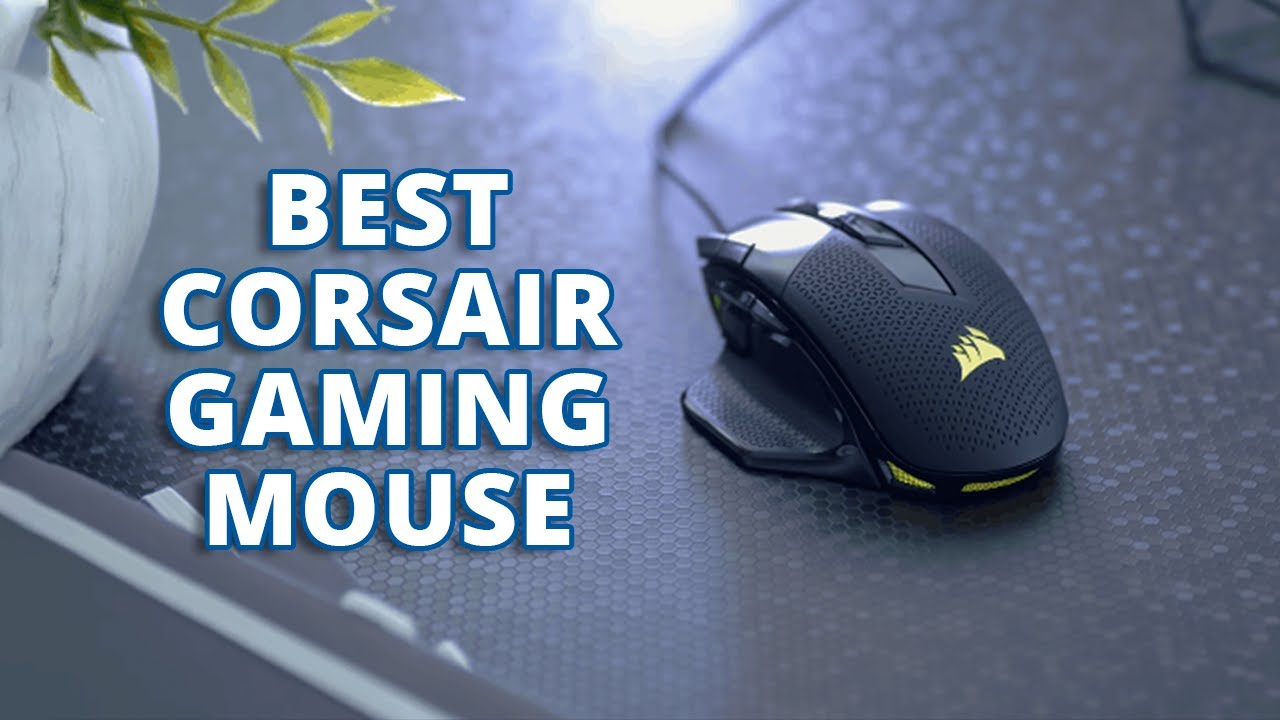
2. Corsair Katar Pro XT – Best Wired Budget Gaming Mouse
For those who prefer a simple wired setup (no battery worries), the Corsair Katar Pro XT is an outstanding choice.
Key highlights:
- Lightweight symmetrical design (around 73–75g).
- Reliable optical sensor with great tracking.
- Comfortable for long sessions and doesn’t feel cheap.
- Usually priced around $30 on sale.
It’s ideal for beginners who want plug-and-play reliability and don’t mind a cable.
3. Redragon M686 Vampire Elite – Best Ultra-Affordable Wireless Option
If you’re on a very tight budget but still want wireless, the Redragon M686 offers surprising value.
Strengths:
- Rechargeable battery with USB-C charging.
- 8 programmable buttons.
- Comfortable symmetrical shape.
- Often available under $40.
It’s a solid entry point for beginners experimenting with wireless mice.
4. Other Strong Contenders for Beginners
- Glorious Model O Eternal (Wired) — Extremely lightweight with a honeycomb shell and excellent sensor. Great if you want something very agile.
- Logitech G203 LIGHTSYNC (Wired) — Simple, colorful RGB, reliable performance, and very beginner-friendly.
- SteelSeries Rival 3 Gen 2 (Wired) — Durable build and accurate TrueMove sensor under $50.
- Emerging budget options like VXE R1 Pro or MCHOSE models (often from AliExpress/Amazon) deliver impressive lightweight performance around $35–$45, though support and longevity may vary.
Quick Comparison Table (2026 Budget Picks)
| Mouse | Type | Weight | Sensor | Battery / Connection | Best For | Approx. Price |
|---|---|---|---|---|---|---|
| Logitech G305 LIGHTSPEED | Wireless | ~100g | HERO (12K DPI) | AA battery (250 hrs) | Most beginners | $35–$50 |
| Corsair Katar Pro XT | Wired | ~75g | Optical | Wired | Simple wired setup | $25–$40 |
| Redragon M686 Vampire Elite | Wireless | ~120g | Optical | Rechargeable | Budget wireless | $30–$45 |
| Glorious Model O Eternal | Wired | Very light | Excellent | Wired | Lightweight FPS | $40–$55 |
| Logitech G203 LIGHTSYNC | Wired | ~85g | Mercury | Wired + RGB | Casual & colorful | $25–$40 |
What to Look For in a Beginner Gaming Mouse
- Sensor — Prioritize a good optical sensor (HERO, PixArt 3335/3395 equivalents) for accurate tracking.
- Weight — Lighter mice (under 90g) feel more responsive, but don’t obsess — comfort matters more for beginners.
- Shape & Grip — Symmetrical shapes work for most people. Test if possible or read grip-style recommendations.
- Buttons — 5–6 buttons are plenty (left/right click, scroll wheel, DPI switch, 1–2 side buttons).
- Software — Optional but useful for DPI adjustment and button remapping (Logitech G HUB, Corsair iCUE, etc.).
- Wired vs Wireless — Wireless is more convenient now, but wired is still cheaper and zero-lag.
Final Advice for Beginners
Start with the Logitech G305 if your budget allows wireless — it offers the best balance of performance, comfort, and longevity. If you prefer wired or want to save more, go for the Corsair Katar Pro XT or Logitech G203.
Don’t overthink DPI settings at first — 800–1600 DPI with in-game sensitivity adjustment works great for most new players. Focus on developing good mouse control habits instead of chasing ultra-high specs.
As you grow as a gamer, you can always upgrade later. These budget mice will serve you well for years without breaking the bank.
Pro Tip: Check current prices on Amazon, Best Buy, or official sites — budget gaming mice go on sale frequently.