In 2026, AI has transformed studying from a time-consuming grind into a smarter, more efficient process. Students no longer just memorize facts—they use intelligent tools to understand concepts deeply, research faster, write better, organize notes, create visuals, and prepare for exams with personalized guidance. These tools save hours weekly while promoting genuine learning (when used ethically).
Here are the best AI tools for students in 2026, based on popularity, features, free access, and real student usage. Many offer generous free tiers or student discounts.
1. Google Gemini (with NotebookLM)
Google’s Gemini ecosystem leads for students in 2026. The standard Gemini (gemini.google.com) excels at multimodal tasks—handling text, images, code, and voice—while providing accurate, up-to-date answers with web integration.
NotebookLM stands out as a game-changer: Upload PDFs, lecture notes, or articles, and it generates summaries, study guides, FAQs, timelines, and even podcast-style audio discussions. Many call it the ultimate “second brain” for research-heavy courses.
Many universities provide free access to advanced Gemini Pro for a year.
2. ChatGPT (OpenAI)
Still a daily essential for millions of students. Use it as a personal tutor: Explain complex topics in simple terms, brainstorm essay outlines, debug code, or generate practice questions.
Voice mode and custom GPTs make it interactive for on-the-go studying. Free tier is robust, with student deals in regions like the US and Canada for Plus access.
Pair it with ethical prompts: “Explain like I’m 5, then build up to advanced level” for deeper understanding.
3. Claude (Anthropic)
Claude shines for writing-intensive work. It handles large text uploads (entire books or papers) for summarization, tone analysis, or restructuring notes.
Students praise its superior reasoning for essays, literature reviews, and long-form analysis. The free plan supports big contexts without quick limits.
4. Perplexity AI
The go-to for fast, citation-backed research. Unlike traditional search, Perplexity delivers concise answers with sources, avoiding ad-filled spam.
Ideal before writing papers—quickly gather facts, find studies, or verify claims. Many students use it daily instead of Google for academic queries.
5. Grammarly
The evergreen writing assistant. In 2026, its AI goes beyond grammar to suggest structure, clarity, tone adjustments, and full rewrites.
Free version catches most errors; premium unlocks advanced features like plagiarism checks. Essential for essays, reports, and emails.
6. Notion AI
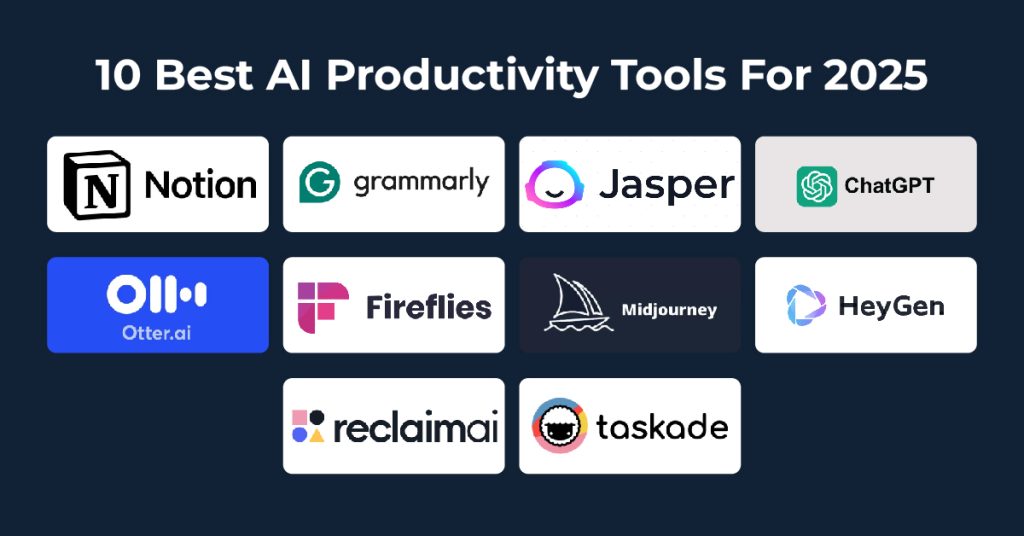
Notion’s built-in AI turns chaotic notes into organized databases, summaries, action items, and study templates.
Brainstorm ideas, generate to-do lists from lectures, or auto-summarize pages. Perfect for all-in-one productivity and knowledge management.
7. Canva Magic Studio
AI-powered design for presentations, posters, infographics, and study visuals. Generate images from text, remove backgrounds, suggest layouts, and create Magic Write captions.
Free tier suffices for most student projects; it makes professional-looking slides effortless.
8. Wolfram Alpha + Other Specialized Tools
For STEM students, Wolfram Alpha solves equations, plots graphs, and explains steps in math, physics, and chemistry.
Tools like Otter.ai transcribe lectures automatically, while Quizlet AI generates flashcards and practice tests from notes.
Honorable Mentions
- Microsoft Copilot: Integrated in Office apps for students using Word/Excel/PowerPoint—great for embedded AI in familiar tools.
- Otter.ai: Real-time lecture transcription and summaries.
- Emerging specialized ones like adaptive platforms (e.g., QuantumLearn Hub or NoteGenius AI) for personalized paths, though core LLMs remain dominant.
How to Study Smarter (Not Just Faster) in 2026
- Use AI to understand, not copy: Ask for explanations, analogies, or practice problems.
- Combine tools: Perplexity for research → NotebookLM for synthesis → Claude/ChatGPT for outlining → Grammarly for polishing.
- Stay ethical: Cite AI help if required, avoid direct submission of generated content, and focus on building your own critical thinking.
- Many tools offer student perks—check .edu email discounts.
With these AI companions, studying in 2026 means working smarter, reducing burnout, and focusing on what matters: real learning and growth. Pick 2–3 that fit your needs and watch your productivity soar.