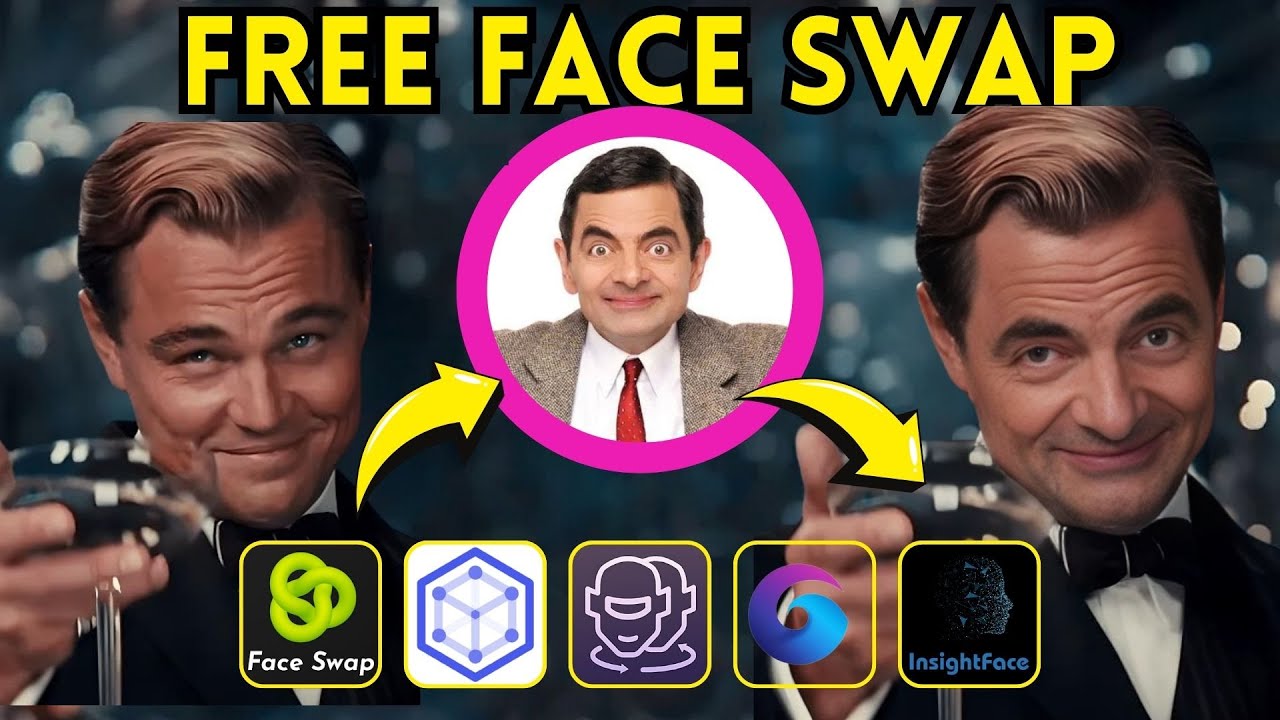
AI face swap video tools have exploded in popularity by March 2026, thanks to massive leaps in AI realism, speed, and accessibility. Whether you’re creating viral TikToks, memes, marketing content, personalized avatars, or just having fun, these online tools let you seamlessly replace faces in videos with just a photo upload.
Most work in the browser (no heavy downloads needed), support short clips to full videos, and offer varying degrees of free access. However, realism varies—especially with lighting, angles, motion, and multiple faces—and ethical use is crucial (avoid non-consensual or misleading deepfakes).
Here are the best AI face swap video tools online right now (free and paid), based on recent reviews, user feedback, and performance tests from sources like AIJourn, Fritz.ai, AutoPPT, and creator communities.
1. DeepSwap
Frequently ranked as the top pick for professional-grade video face swaps in 2026. It handles photos, videos, and even VR content with impressive 4K output, realistic lip-sync, and multi-face support. Great for longer clips and high-quality results.
Best for: Serious creators, marketers, or anyone needing pro-level realism. Free tier: Yes (limited credits/swaps, watermarks on free outputs). Paid: Starts around $10–20/month for more credits and watermark removal. Pros: Excellent motion tracking, fast processing, high resolution. Cons: Free version limited; best results need good source photos.
2. Magic Hour Face Swap
Often called the most realistic overall in 2026 tests, especially for consistent face replacement across entire video clips. Creator-focused with tuning options for skin tone, expressions, and lighting match.
Best for: Content creators and professionals wanting reliable, high-fidelity swaps in videos and photos. Free tier: Yes (limited daily/credits). Paid: Subscription-based (around $10–30/month depending on plan). Pros: Superior realism, good for full videos, user-friendly web interface. Cons: Paid for heavy use; processing can take longer for complex clips.
3. Reface
The go-to for quick, fun, viral swaps—especially short social media clips, GIFs, and memes. Mobile-first but works great online too. Huge library of templates (celebrity faces, movie scenes).
Best for: Casual users, TikTok/Instagram creators, viral content. Free tier: Yes (with watermarks, limited daily swaps). Paid: From $3.99/month (Pro removes limits/watermarks). Pros: Super fast, huge template selection, easy one-tap swaps. Cons: Less customizable for custom videos; realism good but not always pro-level.
4. FaceMagic
Strong mobile app with solid web support, excels at quick TikTok-style edits and short videos. Good blending and expression matching.
Best for: Mobile creators, short-form content, fast fun edits. Free tier: Yes (limited features/watermarks). Paid: Around $9.99/month. Pros: Intuitive, template-driven, great for beginners. Cons: More limited for long/custom videos compared to DeepSwap.
5. Vidnoz AI
Versatile platform with strong video face swap plus batch processing and high-res outputs. Popular for professional or bulk edits.
Best for: Professionals, batch work, or integrating with other AI video tools. Free tier: Yes (limited minutes/credits). Paid: From $10/month. Pros: High resolution, additional editing features. Cons: Interface can feel busier.
6. FaceSwapper.ai / Similar Quick Tools (e.g., Higgsfield, WaveSpeed for photos extending to video)
No-sign-up, instant online swaps—great for testing or one-off use. Some handle short video clips surprisingly well.
Best for: Quick, no-commitment swaps without accounts. Free tier: Often fully free or generous daily limits (e.g., 5+ per day). Paid: Optional upgrades. Pros: Zero hassle, fast. Cons: Video support sometimes limited to short clips; realism varies.
Other Notables
- FaceFusion — Powerful open-source option (run locally or via hosted versions) for high-quality image/video swaps if you’re tech-savvy.
- Swapface — Real-time swapping, ideal for live streams or webcam effects.
- DeepFaceLab / Roop — Advanced, free local tools (not purely online) for ultimate control and best possible quality on powerful hardware.
Quick Comparison Table
| Tool | Best For | Video Quality/Realism | Free Tier | Starting Paid Price | Key Strength |
|---|---|---|---|---|---|
| DeepSwap | Pro video & 4K | Excellent | Limited credits | ~$10–20/mo | Versatility & resolution |
| Magic Hour | Most realistic full clips | Top-tier | Yes (limited) | ~$10–30/mo | Consistency & tuning |
| Reface | Viral shorts & memes | Very good | Yes (watermarked) | $3.99/mo | Speed & templates |
| FaceMagic | TikTok-style quick edits | Good | Yes | $9.99/mo | Ease for beginners |
| Vidnoz AI | Batch & professional edits | High-res | Yes | $10/mo | Additional video tools |
| FaceSwapper.ai | Instant no-sign-up tests | Decent–good | Often unlimited | Optional | Convenience |
Tips for Best Results in 2026
- Use high-quality, front-facing source photos with good lighting for the face you want to swap in.
- Start with short clips (5–30 seconds) to test—longer videos take more time/credits.
- Check for lip-sync and expression accuracy; top tools now handle this much better.
- Be ethical: Get consent for real people, avoid misinformation, and follow platform guidelines.
- Free tiers are great for fun/experimentation, but paid unlocks watermark-free, higher-res, and unlimited processing.
The field moves fast—by mid-2026, expect even better integration with generative video models. For now, DeepSwap or Magic Hour lead for serious video work, while Reface wins for quick laughs. Try a few free versions to see what fits your style!