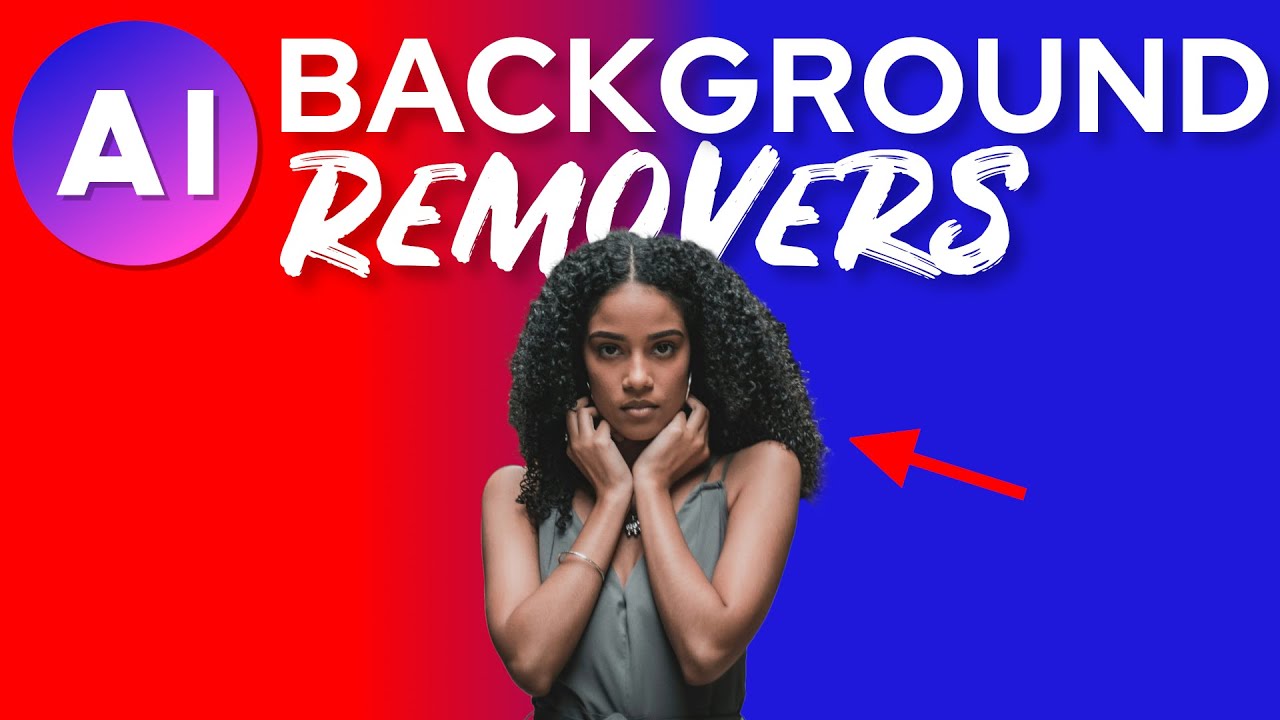
In 2026, AI background remover tools have become incredibly accurate and fast, handling complex edges like hair, fur, transparent objects, and fine details with near-professional results. These tools use advanced neural networks for one-click (or near-instant) removal, often with extras like automatic background replacement, upscaling, batch processing, and API access for workflows.
Whether you’re an e-commerce seller prepping product photos, a content creator making social media graphics, a designer isolating subjects, or just someone cleaning up personal images, the right tool saves hours compared to manual editing in Photoshop.
Here are some of the best AI background remover tools standing out in early 2026, based on recent reviews, independent tests, and user feedback from sources like Claid.ai, Pixelbin, Removal.AI, and various tech blogs.
1. Remove.bg
The long-time leader remains a top pick for reliability and speed. It excels at instant, high-precision cutouts—especially portraits and products—with excellent handling of tricky edges. The API is developer-friendly for automation, and batch support handles high volumes.
Best for: Quick one-off removals, e-commerce pipelines, or anyone needing a “set it and forget it” tool. Key features: One-click removal, transparent PNG output, background replacement options, bulk API. Pros: Extremely consistent accuracy, fast processing, strong free tier (limited credits). Cons: Credit-based pricing can add up for heavy users. Pricing: Free with watermarks/limits; paid plans from ~$0.20–$2 per image depending on volume.
2. Photoroom
A favorite for mobile-first users and sellers, Photoroom combines stellar background removal with smart templates, AI-generated backgrounds, shadows, and product mockups. It’s particularly strong on e-commerce visuals.
Best for: Small businesses, social media sellers, and creators wanting end-to-end product photo editing. Key features: Mobile app excellence, instant scenes/templates, batch editing, AI enhancers. Pros: User-friendly interface, great for complex scenes, integrates removal + styling. Cons: Some advanced features behind paywall. Pricing: Free tier; Pro from ~$10–$15/month.
3. Claid.ai
Tailored for e-commerce teams, Claid stands out as an all-in-one AI photo studio: background removal + resizing, upscaling, AI backgrounds, and batch workflows in one platform.
Best for: High-volume product photography where you need consistent, market-ready images. Key features: API + web tools, automatic enhancements, generation of professional backgrounds. Pros: Excellent for scale, combines multiple edits, high accuracy on details. Cons: More focused on commerce than casual use. Pricing: Subscription or credit-based; competitive for bulk.
4. Adobe Express (with Firefly AI)
Adobe’s free/accessible tool leverages Firefly for polished, one-click removals that integrate seamlessly into broader design workflows. It’s surprisingly powerful for a “simple” web app.
Best for: Designers, marketers, or anyone already in the Adobe ecosystem wanting quick, clean results. Key features: One-click remover, generative fill/replace, templates, no-watermark free exports (limited). Pros: High-quality output, beginner-friendly, ties into Photoshop-level precision when needed. Cons: Some limits on free plan; best with Creative Cloud for full power. Pricing: Free core tool; premium features via subscription.
5. Removal.AI
Built by pro retouchers + AI devs, it delivers studio-quality cutouts with strong performance on hair/fur/transparencies. Great batch and API options make it ideal for agencies.
Best for: Businesses/agencies processing thousands of images needing consistent pro results. Key features: Bulk processing, custom backgrounds/shadows, high-res output. Pros: Balances speed/quality, competitive pricing, reliable for volume. Cons: Interface less flashy than consumer tools. Pricing: Free tier; pay-per-use or subscriptions.
Other Strong Contenders
- Pixelcut / Erase.bg: Excellent value for quick social/e-commerce shots, often with free generous limits.
- Canva Magic Studio: Super easy for non-pros, integrates removal with design tools and AI backgrounds.
- CreateVision AI / WaveSpeed / Mockey.ai: Rising free or low-cost options praised for no-signup speed and precision in 2026 tests.
In 2026, differences between top tools have narrowed—most handle fine details well—but the choice depends on your workflow: pure speed/API (remove.bg), e-commerce suite (Claid/Photoroom), integrated design (Adobe Express/Canva), or bulk/pro (Removal.AI).
Test a few with your own images (many offer free trials/no-signup demos). For heavy use, factor in API reliability and cost per image. These tools continue evolving rapidly, so check official sites for the latest model updates. Happy editing!