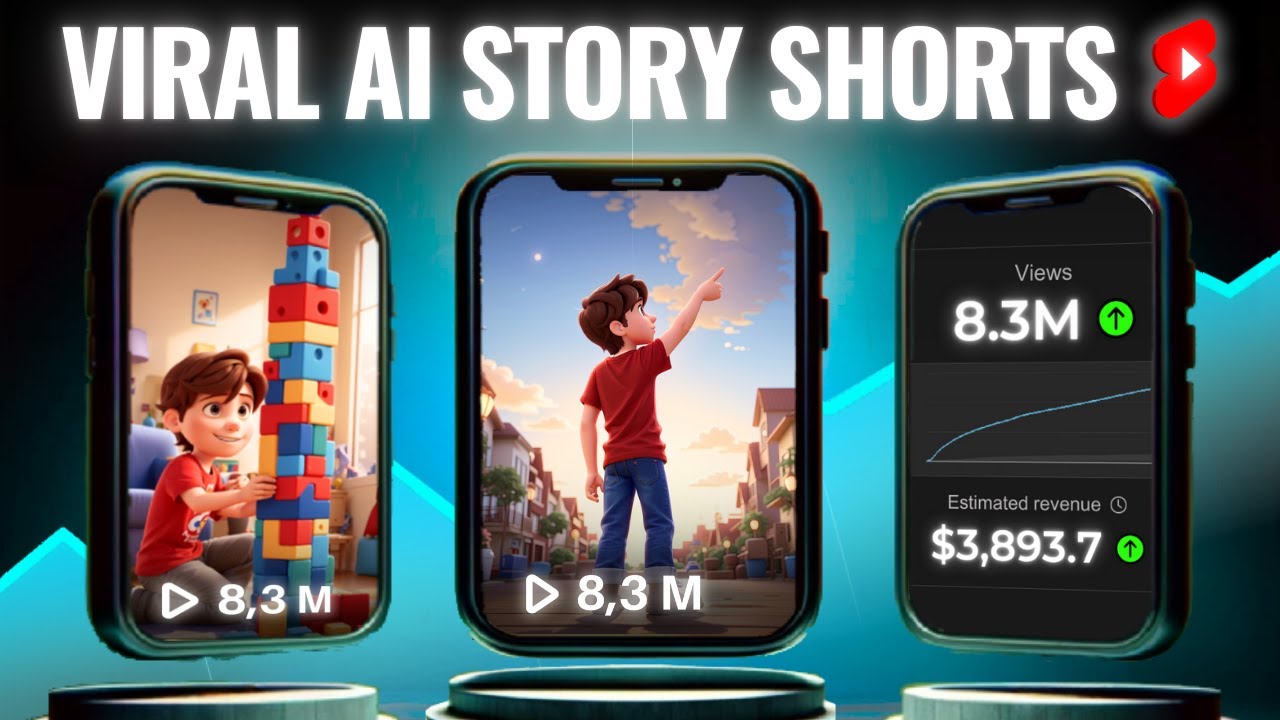
YouTube Shorts continue to dominate discovery in 2026, with billions of daily views. The algorithm rewards high retention (especially in the first 2–3 seconds), rewatch value, strong hooks, and genuine viewer satisfaction — not just polished production.
AI tools now let creators produce high-quality Shorts faster than ever, from idea to upload in minutes. However, purely generic AI content often plateaus at low views. The winners combine AI speed with human creativity: strong storytelling, trending hooks, and personal tweaks.
This guide walks you through a proven workflow to create viral Shorts using the best AI tools available right now.
Why AI-Powered Shorts Can Go Viral in 2026
- AI handles repetitive tasks (scripting, voiceovers, captions, editing), freeing you to focus on hooks and ideas.
- Tools like text-to-video generators produce vertical 9:16 content optimized for mobile.
- The algorithm favors fast-paced, loopable, or emotionally engaging Shorts — many AI workflows excel here.
- Faceless channels using AI are thriving in niches like facts, motivation, storytelling, and “then vs now.”
Key algorithm signals for Shorts:
- Hook in the first 1–2 seconds
- High completion rate and rewatches
- Engagement (comments, shares, likes)
- Relevance to viewer interests (not subscriber count)
Step-by-Step: How to Create Viral AI Shorts
1. Pick a Proven Niche and Viral Format
Choose niches that perform well with AI:
- Quick facts / life hacks
- Motivational stoicism or mindset shifts
- AI-generated storytelling (POV, history, sci-fi)
- “Then and Now” transformations
- Tech explanations or product tips
- Emotional animal rescues or dramatic scenarios
Viral formats in 2026:
- Strong question or bold statement hook
- Fast cuts with dynamic captions
- Loopable endings (content that naturally restarts)
- Trending audio + visual twists
Research trending topics via YouTube search suggestions or tools like vidIQ.
2. Generate a High-Impact Script with AI
Use ChatGPT, Claude, or Gemini for scripts.
Prompt example: “Write a 30–45 second YouTube Short script about [topic]. Start with a hook in the first 3 seconds that grabs attention. Use simple, spoken language. Include a surprising fact or twist. End with a question to encourage comments.”
Keep scripts concise: 60–90 words max. Focus on one clear idea or value point.
3. Create Voiceover and Visuals
Voiceover tools (most natural in 2026):
- ElevenLabs — Best for realistic, emotional voices with cloning options.
- Built-in voices in CapCut, InVideo AI, or Descript.
Visual generation/editing tools:
- Kling AI, Google Veo 3, or Sora 2 — High-quality text-to-video for cinematic clips.
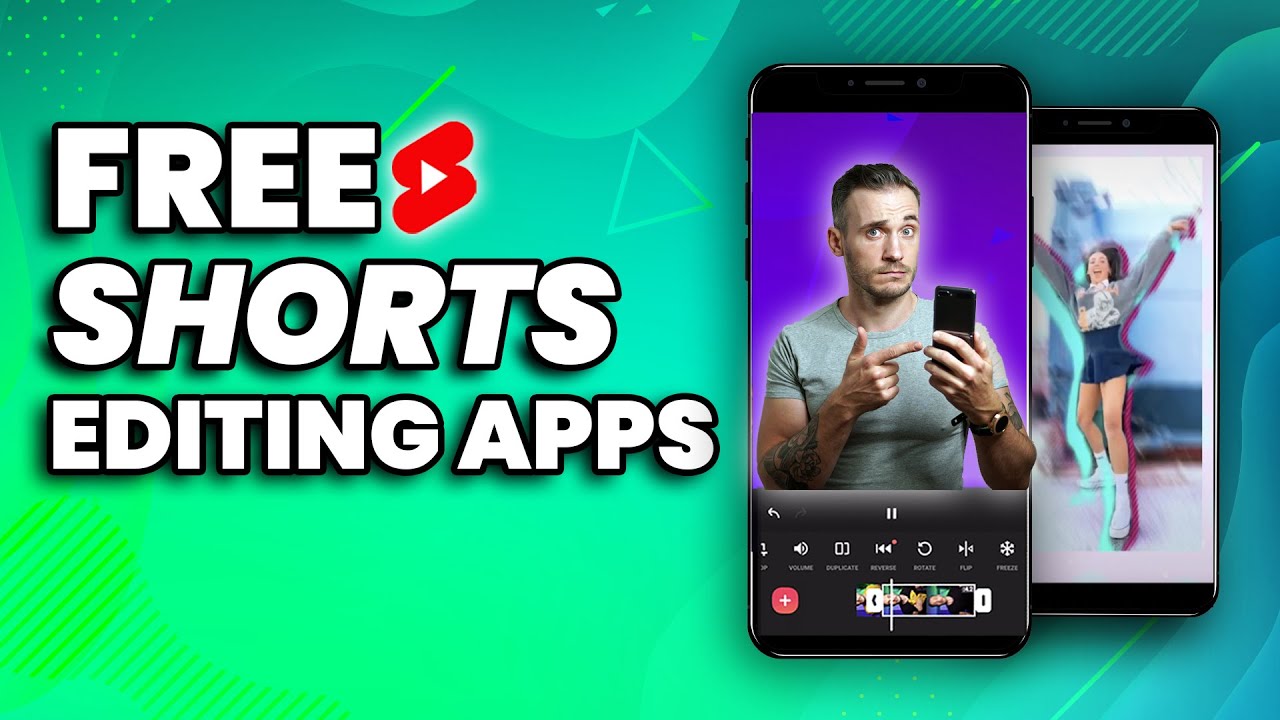
- InVideo AI, CapCut AI, or ShortsNinja — End-to-end script-to-Shorts with stock footage, avatars, and auto-editing.
- Opus Clip — Turn one long video/podcast into 10+ viral Shorts automatically (great for repurposing).
- Higgsfield or Topview AI — Platform-ready vertical videos with avatars.
For faceless content, combine AI avatars with B-roll or generated scenes.
4. Edit for Maximum Engagement
Use AI editing to polish:
- CapCut or Submagic — Auto-captions with emojis, color-changing text, and dynamic effects that boost retention.
- Descript — Edit video by editing text (remove “ums,” add pauses).
- Add trending sound effects, quick zooms, and text overlays synced to voice.
Pro tips for virality:
- Big, readable captions in the center.
- Fast pacing — change visuals every 1–2 seconds.
- Include subtle calls-to-action (“Comment if you agree!”).
5. Optimize Title, Description, and Thumbnail
- Title: Hook + keyword (e.g., “This AI Trick Changed My Life in 2026 😱”)
- Description: First 100 characters matter most. Add timestamps if needed + relevant hashtags (#Shorts, niche tags).
- Thumbnail: Use Canva AI or built-in generators for high-contrast faces/emotions with bold text. Test for high CTR.
6. Upload and Analyze
Post consistently (3–7 Shorts per week). Upload during peak audience times.
In YouTube Studio, check:
- Retention graph (fix early drop-offs)
- Traffic sources
- Virality signals (rewatches, shares)
Iterate: Double down on what works.
Recommended AI Tool Stack for 2026 (Best Combinations)
| Tool Category | Top Tools | Best For | Pricing (approx.) |
|---|---|---|---|
| Script/Ideas | ChatGPT / Claude | Fast scripting & hooks | Free / $20/mo |
| Voiceover | ElevenLabs | Natural, emotional voices | Free tier / Paid |
| Video Generation | InVideo AI, CapCut AI, Kling AI | Full Shorts from text | Free–$30/mo |
| Repurposing/Clips | Opus Clip | Long-form → viral Shorts | From $15/mo |
| Captions & Polish | Submagic, CapCut | Engaging text effects | Free / Paid |
| All-in-One | YTZolo, Reap, or Genra AI | End-to-end automation | Varies |
Many creators start with CapCut (free and powerful) + ElevenLabs for voice + Opus Clip for repurposing.
Viral Tips Specific to AI Shorts
- Add a human touch: Review and tweak every AI output — change wording, add unique insights, or record a short personal intro.
- Avoid “AI slop”: YouTube downranks generic, low-effort content. Focus on originality and value.
- Encourage interaction: End with questions or debates.
- Use trending formats but add your twist (e.g., AI visuals on current news).
- Batch create: Generate 10–20 Shorts in one session, then schedule.
Common Mistakes to Avoid
- Over-relying on templates without customization.
- Weak first 2 seconds (no hook).
- Poor audio quality or robotic voices.
- Ignoring analytics — always improve based on data.
- Uploading too much low-quality content (hurts channel health).
Final Thoughts
Creating viral YouTube Shorts with AI in 2026 is about speed + strategy, not replacing creativity. Use AI to produce faster and test more ideas, but always prioritize hooks, retention, and viewer value.
Start small: Pick one niche, create 5 Shorts this week using CapCut + ElevenLabs, analyze results, and refine. Many creators are hitting millions of views with faceless AI-assisted content by focusing on what the audience actually wants.
Consistency and iteration beat perfection. The algorithm rewards creators who learn quickly and deliver satisfying Shorts repeatedly.
Combine these tools with smart hooks, and you can build significant organic growth — even starting from zero.