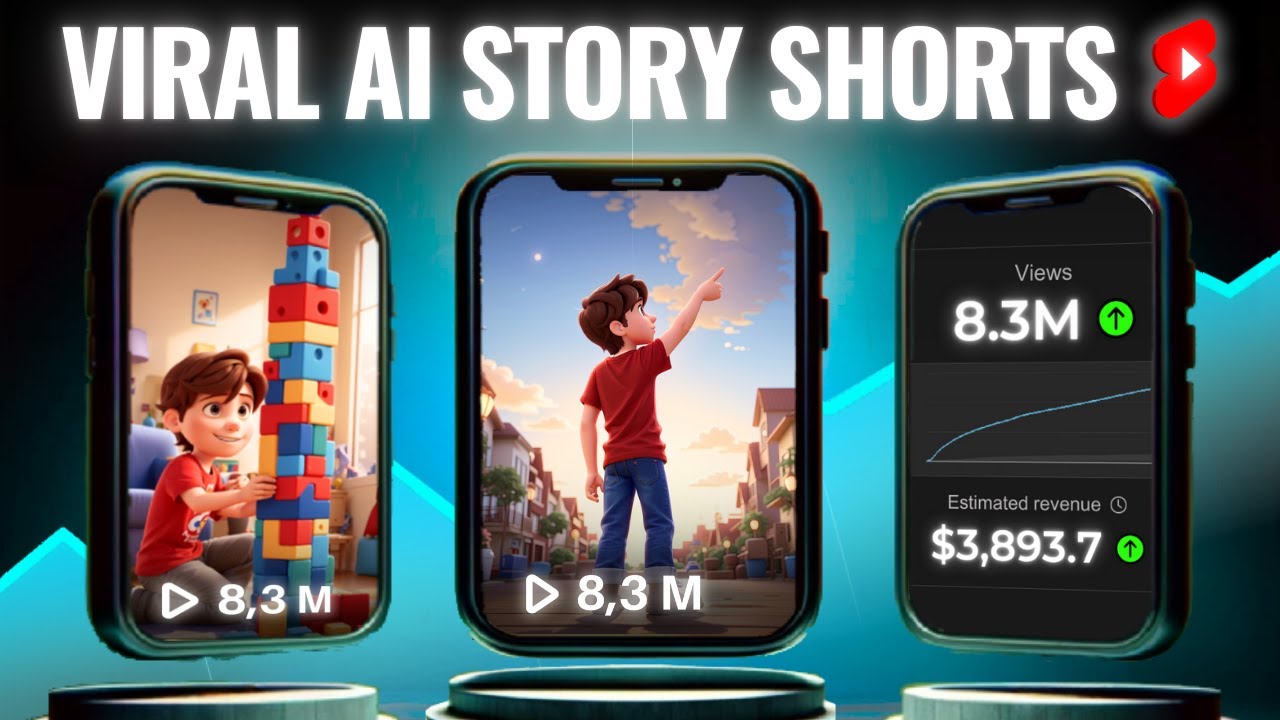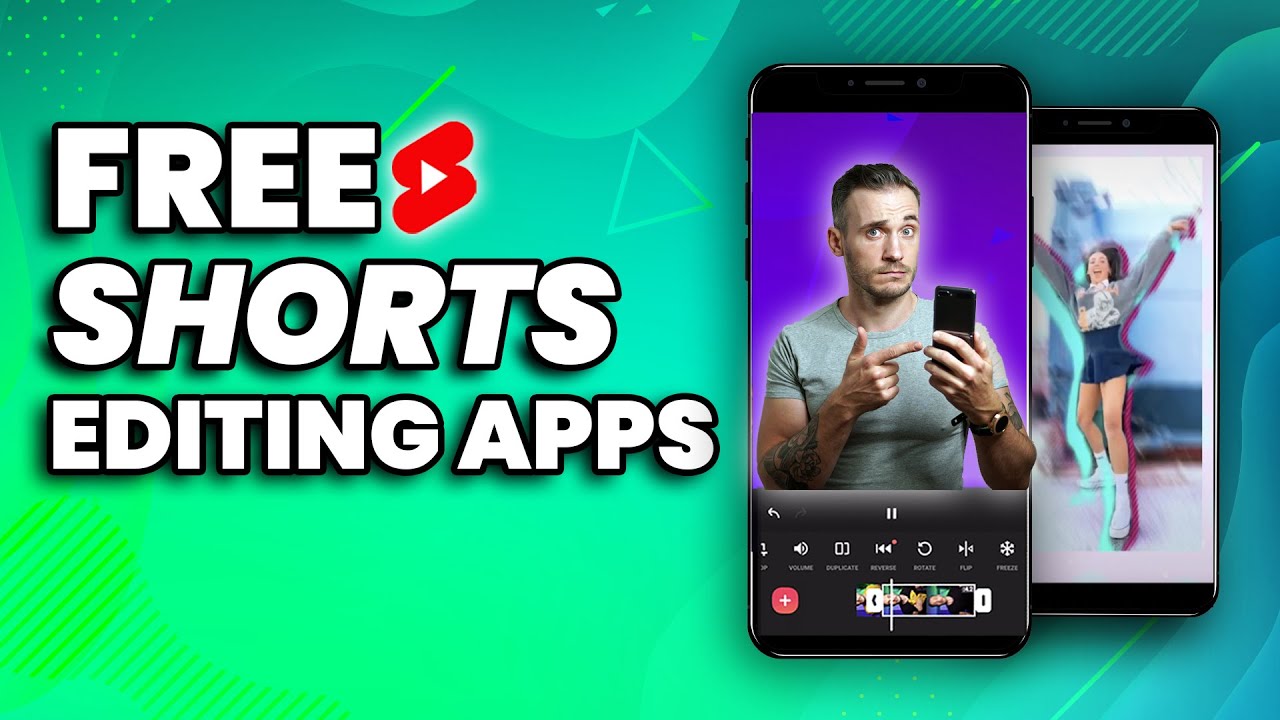
YouTube Shorts continue to dominate discovery and growth for creators in 2026. Fast-paced, vertical videos with strong hooks, trending audio, auto-captions, and smooth effects perform best — and you don’t need expensive software to create them.
The good news? Several powerful free video editing apps are purpose-built (or highly optimized) for Shorts. Whether you edit on mobile for speed or desktop for more control, these tools let you produce professional-looking content without watermarks on exports in most cases.
Here’s a curated list of the best free options in 2026, ranked by popularity and suitability for Shorts creators.
1. CapCut (Best Overall for Most Creators)
CapCut remains the undisputed king for YouTube Shorts in 2026. Developed by ByteDance (TikTok’s parent), it’s optimized for short-form vertical video with an intuitive interface and a massive library of trending effects, templates, and sounds.
Key Features for Shorts:
- One-tap auto-captions with stylish animations
- Beat-sync, trending transitions, and effects
- Huge royalty-free music and sound library
- AI tools (background removal, voice effects, auto-reframe)
- Desktop, mobile (iOS/Android), and web versions
- Native 9:16 vertical editing with fast exports
Pros: Extremely beginner-friendly, no watermark on most free exports, regular updates with viral trends. Cons: Some premium templates/stock require payment (but core features are free).
Best for: Beginners to intermediate creators pumping out daily Shorts. Many successful Shorts channels edit exclusively on CapCut.
2. VN Video Editor (Best Completely Free Mobile Option)
VN (also known as VlogNow) is a clean, no-nonsense mobile editor that feels premium without any hidden costs or aggressive upsells.
Key Features for Shorts:
- True multi-track timeline (video, audio, text, effects)
- 4K export support in free version
- Precise keyframe animations and speed ramping
- Clean interface with no watermark
- Supports high-frame-rate footage
Pros: Completely free with no watermarks, lightweight, and powerful enough for complex Shorts edits. Cons: Smaller template/effects library compared to CapCut.
Best for: Creators who want full creative control on mobile without paying or dealing with ads.
3. DaVinci Resolve (Best Free Professional Desktop Option)
If you want Hollywood-level tools for free, DaVinci Resolve’s free version is unbeatable. While it has a steeper learning curve, it excels at color grading, audio mixing, and visual effects — perfect for polished Shorts that stand out.
Key Features for Shorts:
- World-class color correction and Fusion visual effects
- Fairlight audio tools for clean voiceovers and music
- Native vertical timeline support
- Powerful speed and retiming tools
Pros: No watermarks, no feature limitations in the free version, used by pros. Cons: Overkill for simple talking-head Shorts; requires a decent computer.
Best for: Creators who edit on desktop and want cinematic quality or plan to grow into longer YouTube videos.
4. Microsoft Clipchamp (Best Browser-Based / Windows Option)
Clipchamp is built into Windows 11 and available as a web app. It’s surprisingly capable for quick Shorts with strong AI features.
Key Features for Shorts:
- AI auto-captions and text-to-speech
- Stock media library and templates optimized for social
- Simple drag-and-drop interface
- Direct export to YouTube
Pros: No installation needed (web version), good integration with Microsoft tools, free 1080p exports. Cons: 4K and some premium assets require paid plan; less specialized for ultra-fast vertical edits.
Best for: Windows users or beginners who prefer editing directly in the browser.
5. iMovie (Best Free Option for Apple Users)
Apple’s iMovie is completely free on iPhone, iPad, and Mac — and it’s still excellent for quick vertical edits in 2026.
Key Features for Shorts:
- Easy timeline with magnetic editing
- Built-in effects, transitions, and titles
- Seamless integration with iPhone footage
- Supports vertical 9:16 projects
Pros: Simple, stable, and optimized for Apple devices. Cons: Limited compared to CapCut or VN; no advanced AI tools.
Best for: iOS/Mac users who want something native and hassle-free.
Honorable Mentions
- InShot: Great for super-fast edits with text, stickers, and music — popular but sometimes pushes upgrades.
- Shotcut / OpenShot: Completely free open-source desktop editors for users who want no-frills power.
- Splice: Gaining traction in 2026 for clean mobile workflows focused on social-ready exports.
Quick Comparison Table (2026)
| App | Platforms | Watermark (Free) | Auto-Captions | Best For | Learning Curve | Vertical Shorts Score |
|---|---|---|---|---|---|---|
| CapCut | Mobile + Desktop + Web | No (most cases) | Excellent | Beginners & Speed | Low | 9.5/10 |
| VN Video Editor | Mobile (iOS/Android) | No | Good | Clean Multi-Track Edits | Low-Medium | 9/10 |
| DaVinci Resolve | Desktop (Win/Mac/Linux) | No | Basic | Pro Quality & Color | High | 8.5/10 |
| Clipchamp | Web + Windows | No (1080p) | Good (AI) | Browser / Quick Edits | Low | 8/10 |
| iMovie | iOS + macOS | No | Basic | Apple Users | Low | 7.5/10 |
Tips for Editing YouTube Shorts Efficiently in 2026
- Always edit in 9:16 vertical format from the start.
- Use auto-captions — they boost watch time and accessibility.
- Add trending audio early to increase algorithmic reach.
- Keep edits snappy: Strong hook in first 1–3 seconds, quick cuts, and text overlays.
- Export at 1080p or 4K (depending on the app) with high bitrate for best quality.
- Test CapCut first — most creators find it covers 90% of their Shorts needs.
Final Thoughts
For the vast majority of YouTube Shorts creators in 2026, CapCut is the smartest starting point thanks to its speed, features, and trend alignment. If you prefer zero watermarks and more control on mobile, go with VN. For desktop power users, DaVinci Resolve offers unmatched free quality.
Start with one app, master it, and focus on consistent posting. The best editing app is the one that lets you finish and upload Shorts fastest — so your content reaches viewers while it’s still trending.
Download a couple, try the same 15-second clip in each, and see which workflow clicks for you. Happy editing — and may your Shorts go viral!