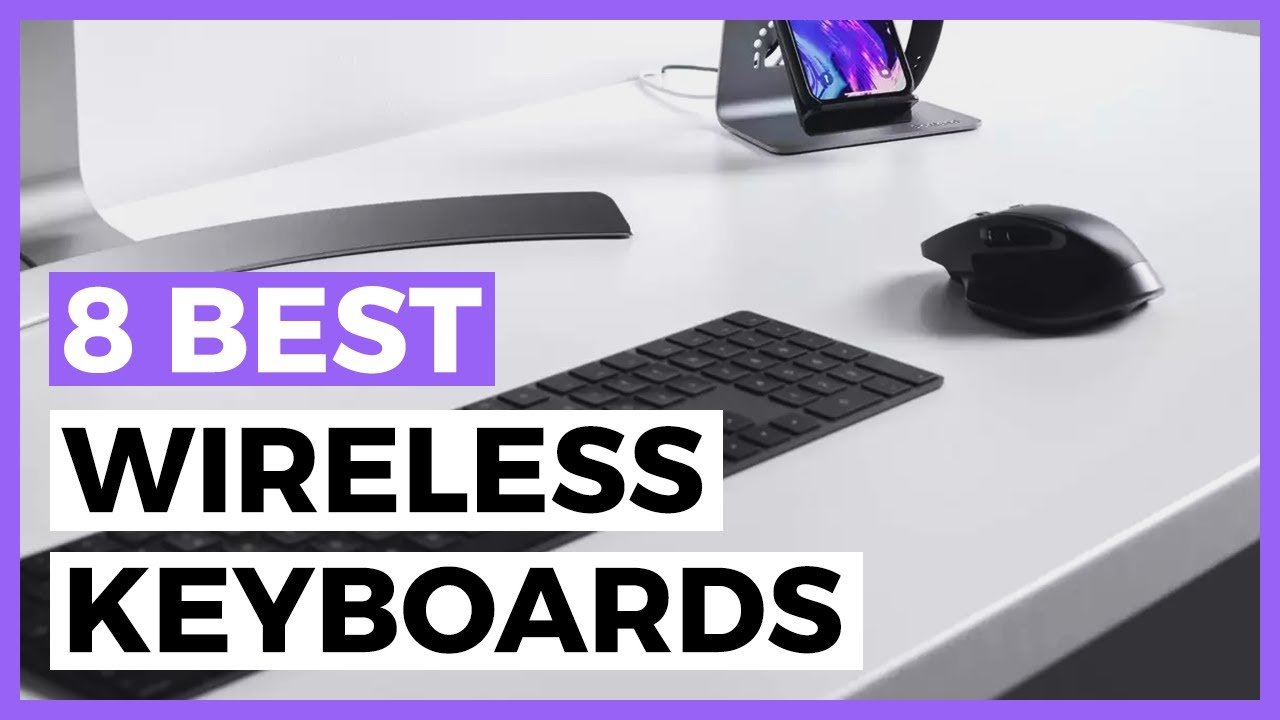
Working from home demands a reliable wireless keyboard that delivers comfort during marathon typing sessions, seamless multi-device switching (laptop, tablet, phone), long battery life, and minimal desk clutter. In 2026, the best options blend low-profile scissor or mechanical switches, smart backlighting, ergonomic features, and rock-solid Bluetooth or 2.4GHz connectivity.
Whether you prefer a quiet membrane-style keyboard for calls, a satisfying mechanical feel for writing, or an ergonomic design to reduce wrist strain, here’s our curated list of the top performers based on recent expert tests and user feedback.
1. Logitech MX Keys S – Best Overall for Most Remote Workers
The Logitech MX Keys S stands out as the top choice for productivity in a home office. Its low-profile scissor switches offer a laptop-like typing experience with excellent feedback and minimal noise — perfect for video calls or shared spaces.
Key highlights:
- Multi-device Bluetooth pairing (up to 3 devices) with easy switching
- Smart illumination that adjusts to ambient light and activates when hands approach
- Up to 10 days of battery life with backlighting (or 5 months without)
- Full-size layout with numpad and dedicated media keys
- Excellent build quality and compatibility with Windows, macOS, iOS, and Android
Ideal for: Writers, professionals, and anyone transitioning from a laptop keyboard. Many reviews call it the best office keyboard of 2026 for its balance of comfort and features.
2. Logitech Ergo K860 – Best Ergonomic Wireless Keyboard
If you experience wrist or shoulder fatigue after long hours, the Logitech Ergo K860 is a game-changer. Its split, curved design with a cushioned palm rest promotes a more natural hand position and reduces strain.
Key highlights:
- Wireless via Bluetooth or Logi Bolt receiver
- Integrated cushioned wrist rest
- Quiet, comfortable scissor switches
- Multi-device support and long battery life (up to 2 years on AA batteries)
- Wave-shaped key layout for better ergonomics
Ideal for: Users with repetitive strain concerns or those prioritizing long-term comfort over aesthetics. It’s frequently recommended as the best ergonomic option for home offices.
3. Logitech Pop Icon Keys – Best Compact & Fun Wireless Keyboard
For smaller desks or users who want personality, the Logitech Pop Icon Keys delivers a compact, enjoyable typing experience with excellent battery life.
Key highlights:
- Compact layout with round, satisfying keys
- Up to 3-year battery life on AAA batteries
- Multi-device Bluetooth switching
- Customizable emoji and shortcut keys
- Available in vibrant colors
Ideal for: Creative professionals, hybrid workers, or anyone with limited desk space who values portability and style. Wirecutter named it a top wireless pick in 2026.
4. Keychron K3 / K5 Max Series – Best Wireless Mechanical Keyboard
Mechanical keyboard fans working from home love the Keychron K3 (ultra-slim low-profile) or K5 Max for their satisfying tactile feel without sacrificing wireless convenience.
Key highlights:
- Wireless Bluetooth + wired option
- Hot-swappable switches in many models
- Excellent battery life and RGB backlighting
- Mac/Windows layouts with customizable keycaps
- Solid aluminum build on higher models
Ideal for: Writers, coders, and typists who crave the “thocky” or clicky feedback of mechanical switches. Keychron models frequently rank high for productivity mechanical keyboards.
5. Razer Pro Type Ultra – Best Premium Mechanical Option
For those wanting a more robust mechanical experience with office-friendly quiet switches, the Razer Pro Type Ultra offers premium build quality and reliability.
Key highlights:
- Silent mechanical switches optimized for office use
- Multi-device connectivity
- Long battery life with quick charging
- Durable construction and good software support
Ideal for: Professionals who want mechanical typing feel without loud clicks. PCMag often highlights it as a strong all-around wireless performer.
6. Budget-Friendly Picks
- Logitech Pebble Keys 2 K380s — Ultra-portable, affordable, long battery life, and multi-device support. Great for light users or secondary setups.
- Logitech Signature K650 or MK295 — Quiet, reliable, and inexpensive full-size options for basic home office needs.
Quick Comparison Table (2026)
| Keyboard | Type | Layout | Battery Life | Best For | Approx. Price Range | Standout Feature |
|---|---|---|---|---|---|---|
| Logitech MX Keys S | Low-profile scissor | Full-size | 10 days / 5 months | Everyday productivity | Mid-premium | Smart backlighting & multi-device |
| Logitech Ergo K860 | Ergonomic scissor | Split full | Up to 2 years | Wrist comfort | Mid-premium | Cushioned palm rest |
| Logitech Pop Icon Keys | Scissor | Compact | Up to 3 years | Portable & stylish | Mid | Fun design & emoji keys |
| Keychron K3 / K5 Max | Low-profile mechanical | Compact/Full | Excellent | Satisfying typing feel | Mid | Hot-swappable options |
| Razer Pro Type Ultra | Mechanical | Full-size | Long (rechargeable) | Premium quiet mechanical | Premium | Silent switches |
| Logitech Pebble Keys 2 | Scissor | Compact | Very long | Budget portability | Budget | Multi-device on a budget |
Buying Tips for Work-From-Home Keyboards in 2026
- Connectivity: Prioritize Bluetooth 5.0+ for multi-device pairing. Some models add a 2.4GHz dongle for zero-lag performance.
- Typing Feel: Low-profile scissor switches are quieter and more laptop-like; mechanical switches offer better feedback but can be louder (choose “silent” or “tactile” variants).
- Ergonomics: Consider split or tented designs if you type 4+ hours daily. Pair with a good wrist rest or monitor stand for proper posture.
- Battery Life: Rechargeable models are convenient; battery-powered ones last longer but require occasional replacements.
- Compatibility: Ensure good support for your OS (Windows, macOS, or both). Many now include dedicated function rows for video calls (mute, camera, etc.).
- Desk Space: Compact (75% or TKL) layouts save room and keep your mouse closer, reducing shoulder strain.
For most work-from-home users, start with the Logitech MX Keys S — it offers the best all-around experience without overwhelming features. If you have wrist issues, go ergonomic with the Ergo K860. Test typing feel in-store if possible, or check return policies online.