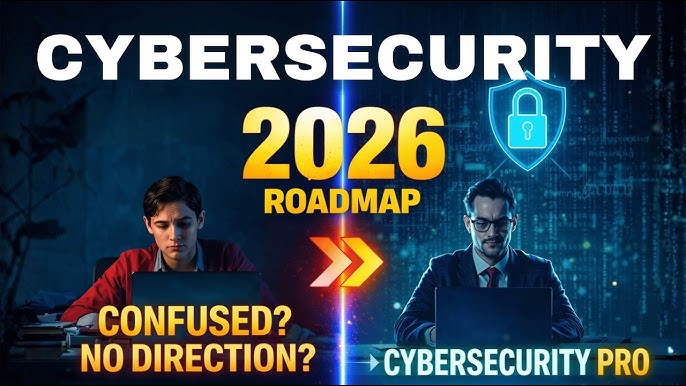
Cyber threats continue to evolve rapidly in 2026, with AI making attacks faster, smarter, and harder to spot. Ransomware damages are projected to reach tens of billions annually, while phishing emails generated by AI can impersonate colleagues or friends convincingly. The good news? Most successful attacks still exploit simple human errors or unpatched systems. As a beginner, mastering a few core habits can dramatically reduce your risk — without needing advanced technical skills.
This guide covers the essential cybersecurity tips every beginner should follow in 2026 to stay safe online, whether you’re using a personal computer, smartphone, or working remotely.
Why Cybersecurity Matters for Beginners in 2026
- Cybercrime costs the world an estimated $10.5–10.8 trillion annually.
- AI-driven attacks, deepfakes, and credential theft are rising sharply.
- Small mistakes (like clicking a suspicious link or reusing passwords) remain the #1 entry point for attackers.
- Good “cyber hygiene” — basic daily practices — blocks the majority of threats.
Start with these fundamentals and build better habits over time.
1. Use Strong, Unique Passwords + a Password Manager
Never reuse the same password across multiple accounts. If one site gets breached, attackers can try that password everywhere (credential stuffing).
What to do:
- Create long, complex passwords (at least 16 characters) with letters, numbers, and symbols.
- Use a reputable password manager (e.g., Bitwarden, 1Password, or built-in options like Apple’s Keychain or Google’s Password Manager) to generate and store them securely.
- Enable the manager’s built-in breach alerts.
2026 tip: Avoid simple patterns or personal info — AI tools can guess them faster than ever.
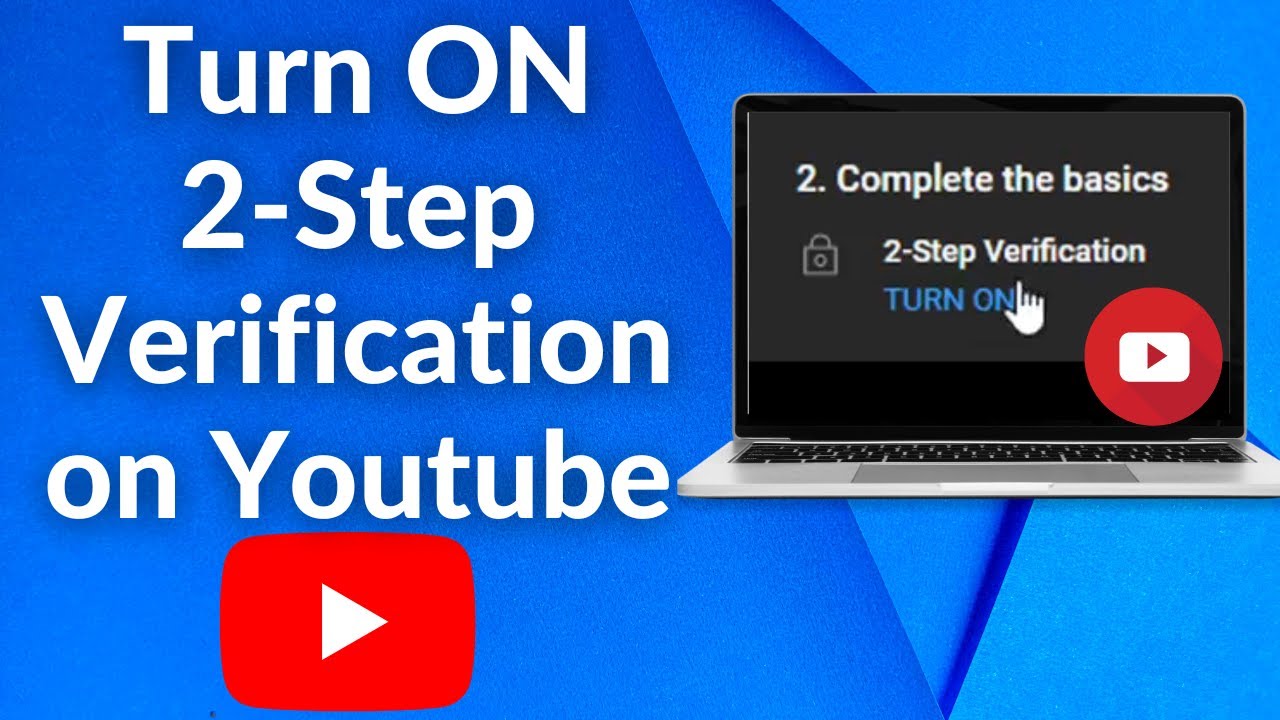
2. Enable Multi-Factor Authentication (MFA) Everywhere Possible
Passwords alone are no longer enough. MFA adds a second verification step (usually via an authenticator app, hardware key, or biometric).
Best practices:
- Use app-based MFA (like Microsoft Authenticator or Google Authenticator) instead of SMS whenever available — SMS can be intercepted.
- Prioritize MFA on email, banking, social media, and work accounts.
- For high-value accounts, consider phishing-resistant options like hardware security keys (YubiKey).
This single step stops most unauthorized access even if your password is compromised.
3. Keep All Software and Devices Updated (Patch Management)
Many breaches happen because of known vulnerabilities that already have fixes available.
Action steps:
- Enable automatic updates for your operating system (Windows, macOS, Android, iOS), browsers, and apps.
- Regularly update apps on your phone and computer.
- Don’t ignore those “restart to install updates” notifications — they often include critical security patches.
In 2026, attackers exploit unpatched systems within hours or days of a vulnerability becoming public.
4. Be Extremely Careful with Phishing and Suspicious Links
AI-powered phishing is one of the biggest threats in 2026. Emails, texts, and messages can look incredibly legitimate.
How to stay safe:
- Think before you click: Hover over links to check the real URL.
- Verify requests for personal info or urgent actions directly with the sender (via a known contact method, not by replying).
- Avoid downloading attachments from unknown sources.
- Use email filters and browser protections (many modern browsers flag malicious sites).
Rule of thumb: If it creates urgency or asks for credentials unexpectedly, pause and double-check.
5. Install and Maintain Reliable Security Software
Don’t rely on built-in protections alone.
Recommendations for beginners:
- Use reputable antivirus/anti-malware (Windows Defender is solid and free for most users; alternatives include Malwarebytes or Bitdefender).
- Enable real-time scanning and automatic updates.
- Consider a VPN for public Wi-Fi to encrypt your connection.
Run occasional full scans, especially after downloading new software.
6. Back Up Your Important Data Regularly
Ransomware can lock your files — backups are your best recovery option.
Best backup strategy (3-2-1 rule):
- 3 copies of your data.
- 2 different types of storage (e.g., external drive + cloud).
- 1 copy offsite (cloud or another location).
Use services like OneDrive, Google Drive, or iCloud with versioning enabled. Test your backups occasionally by restoring a file.
Make backups immutable where possible (cannot be easily deleted or encrypted by attackers).
7. Practice Safe Browsing and Device Habits
- Avoid public Wi-Fi for sensitive tasks (banking, shopping). Use a VPN if you must connect.
- Disable Bluetooth and Wi-Fi when not in use.
- Be cautious with IoT devices (smart home gadgets) — change default passwords and keep them updated.
- Limit browser extensions — only install from official stores and review permissions.
- Use private/incognito mode or privacy-focused browsers for extra caution.
8. Protect Your Personal Information and Be Wary of Social Engineering
- Don’t overshare on social media (birthdays, pet names, travel plans can help attackers guess security questions).
- Verify identities before sharing sensitive info.
- Watch for deepfake videos or voice calls impersonating people you know.
Quick Comparison: Essential Tools for Beginners in 2026
| Tool/Category | Why It Helps | Beginner Recommendation | Cost |
|---|---|---|---|
| Password Manager | Unique strong passwords | Bitwarden or built-in options | Free/Paid |
| MFA Authenticator App | Extra login protection | Google/Microsoft Authenticator | Free |
| Antivirus | Malware & real-time protection | Windows Defender + occasional scans | Free |
| VPN | Secure public networks | Mullvad, ProtonVPN, or ExpressVPN | Paid |
| Cloud Backup | Ransomware recovery | OneDrive/Google Drive with versioning | Free tier |
Additional Beginner Tips for 2026
- Educate yourself gradually: Start with free resources on phishing recognition and basic cyber hygiene.
- Use least privilege: Don’t log in as administrator for everyday tasks.
- Monitor accounts: Regularly check bank statements and enable login notifications.
- For families or small teams: Set shared rules and review device security together.
Final Thoughts
Cybersecurity doesn’t require being an expert — it requires consistent, simple habits. In 2026, the biggest threats (AI phishing, ransomware, credential theft) are often stopped by strong passwords + MFA, timely updates, caution with links, and reliable backups.
Start today: Pick 2–3 tips (like enabling MFA on your email and installing a password manager) and implement them this week. Over time, these practices will become second nature and significantly improve your digital safety.
Stay vigilant, update regularly, and remember: The best defense is still basic cyber hygiene done consistently.