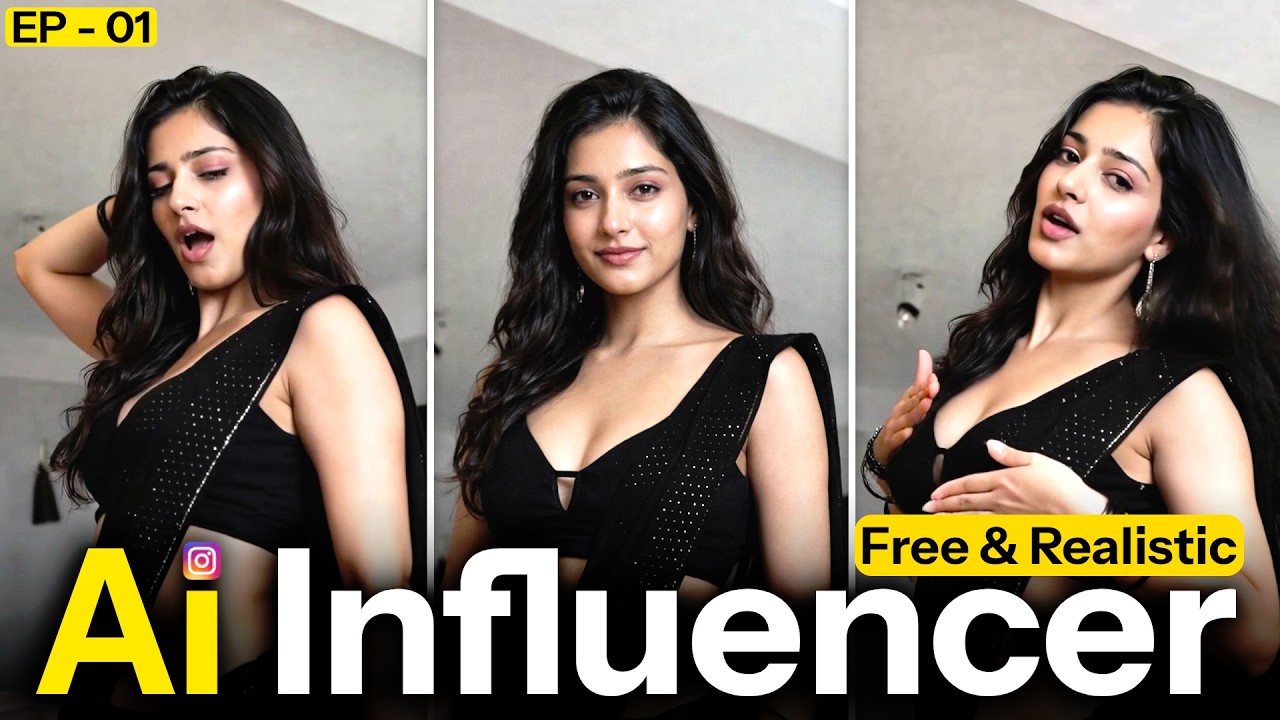
Artificial Intelligence is revolutionizing content creation. In 2026, hyper-realistic AI influencers are dominating Instagram, pulling in millions of views without the creator ever showing their face.
This step-by-step guide will show you how to build a faceless AI brand from scratch using free tools.
Quick Summary: The AI Influencer Tech Stack
| Step | Goal | Recommended Tool |
| 1. Visuals | Create the Face | Leonardo AI |
| 2. Animation | Make it Talk | HeyGen / Hedra |
| 3. Voice | Human-like Audio | ElevenLabs |
| 4. Editing | Viral Reel Format | CapCut |
Step 1: Generate Your Hyper-Realistic AI Persona
The key to a viral AI model is avoiding the “uncanny valley” (looking too fake). You need an image that looks like a high-end DSLR photograph.
Tool: Leonardo AI (Use the “PhotoReal” or “Diffusion XL” models).
The “Viral” Prompt Formula:
To get a realistic look, use technical photography terms:
“Ultra-realistic 22-year-old female Instagram influencer, natural skin texture, visible pores, DSLR photography, soft cinematic lighting, 85mm lens, f/1.8, high detail, 8k resolution, neutral expression.”
Pro Tip: Always use a Negative Prompt to avoid common AI glitches:
Negative: (cartoon, 3D render, plastic skin, blurry, extra fingers, distorted eyes, low resolution).
Step 2: Animate Your Model into a Talking Video
Once you have your “hero image,” you need to bring it to life.
- Upload your high-quality AI portrait.
- Input your script (Keep it under 15 seconds for Reels).
- Select “Fluid Animation” to ensure the head movements look natural.
SEO Advice: Instagram’s algorithm favors high-retention videos. Ensure your AI avatar moves its head or blinks to keep the viewer’s eye engaged.
Step 3: Add a Human-Like AI Voice Over
Standard robotic voices will kill your reach. You need emotional depth and natural breathing sounds.
Tool: [suspicious link removed].
- Choose a voice that matches your character’s vibe (e.g., “Bella” for lifestyle or “Adam” for tech).
- Settings: Increase “Style Exaggeration” slightly for more energetic Instagram Reels.
Step 4: Professional Video Editing for Reels
Raw AI video isn’t enough to go viral. You need “retention editing.”
Tool: CapCut.
- Aspect Ratio: Set to 9:16 (Vertical).
- Auto-Captions: Use the “Dynamic Captions” feature. People often watch Reels on mute!
- The Hook: Add a text overlay in the first 2 seconds like: “The secret to [Niche]…” or “I can’t believe this works!”
Step 5: The 2026 Instagram Growth Strategy
To go viral, you must play by the algorithm’s rules:
- Niche Down: Don’t just be “an AI.” Be an “AI Fitness Coach” or “AI Luxury Travel Guide.”
- Trending Audio: Use the “Rising Star” music tracks found in the Instagram Audio library.
- Engagement: Reply to the first 10 comments on every post to signal to Instagram that your content is “active.”
- Consistency: Post one Reel per day for 30 days. The algorithm needs data to find your audience.
Is it Legal and Ethical?
Yes, creating an AI influencer is legal as long as:
- Originality: You are not using the likeness of a real celebrity (Deepfakes).
- Transparency: Many successful creators put #AI or #VirtualInfluencer in their bio to build trust with their audience.
- Ownership: Ensure the AI tool you use allows for commercial usage of the generated images.
Final Thoughts
The barrier to entry has never been lower. By combining Leonardo AI, ElevenLabs, and CapCut, you can run a global media brand from your laptop without ever buying a camera.