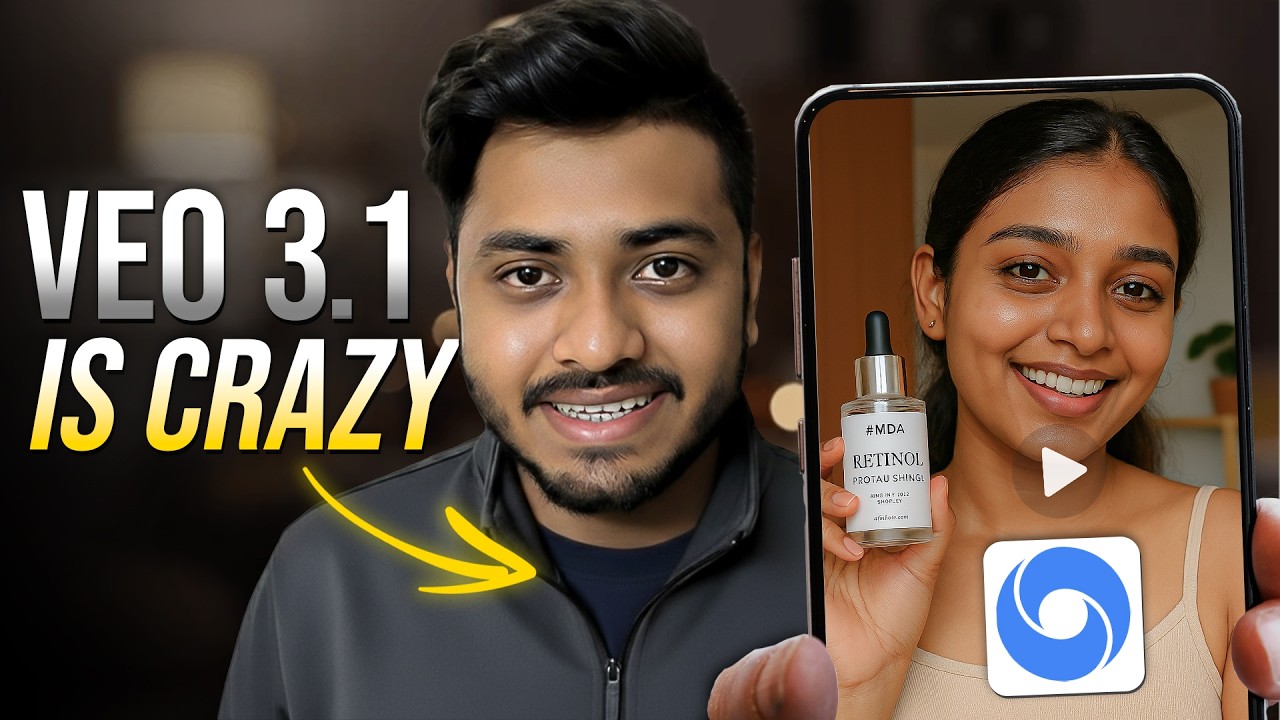
Artificial intelligence is transforming the way videos are created, edited, and published. What once required expensive software, professional cameras, and advanced editing skills can now be done with simple text prompts. Gemini Veo3 is one of the latest AI video generation tools that allows users to create high-quality, realistic videos using artificial intelligence.
This guide will walk you through everything you need to know about creating AI generated videos in Gemini Veo3. Whether you are a content creator, marketer, educator, or beginner, this article will help you understand the full process from idea to final video export.
Understanding Gemini Veo3 AI Video Generation
Gemini Veo3 is designed to convert text prompts, scripts, or creative ideas into cinematic AI generated videos. It uses advanced generative models trained on motion, lighting, environments, and storytelling patterns to produce realistic scenes.
Unlike traditional video editors, you do not need to film footage. Instead, you describe what you want to see. The AI handles camera angles, character movement, lighting, and scene transitions automatically.
This makes Gemini Veo3 ideal for:
Content marketing videos
YouTube automation channels
Educational explainers
Short films and storytelling
Social media reels
Product promotions
The platform focuses on speed, realism, and creative flexibility, allowing users to produce professional visuals within minutes.
Setting Up Access to Gemini Veo3
Before creating videos, you need access to the Gemini Veo3 platform. Depending on availability, it may be offered through early access programs, enterprise tools, or integrated AI studios.
To get started:
Create or log in to your AI platform account
Navigate to the video generation or Veo3 section
Request access if the feature is gated
Ensure your browser and system meet performance requirements
Once access is granted, you will see the video creation dashboard where all generation tools are located.
Exploring the Video Creation Dashboard
The dashboard is the control center for your AI video production. Understanding each section will help you create better outputs.
Key areas include:
Prompt input panel where you describe the video
Style and cinematic controls
Duration and resolution settings
Camera motion controls
Lighting and mood presets
Preview and render window
Spend time exploring these options before generating your first video. Small adjustments can significantly improve results.
Writing Effective Video Prompts
Prompt writing is the most important skill when creating AI generated videos. The quality of your video depends on how clearly you describe your vision.
A strong prompt includes:
Subject description
Environment or location
Camera angle or movement
Lighting conditions
Mood or atmosphere
Art style or realism level
Example of a weak prompt:
A man walking in a city
Example of a strong prompt:
A cinematic shot of a businessman walking through a rainy neon-lit city at night, reflections on the wet street, slow camera tracking, dramatic lighting
The more descriptive your prompt, the more accurate and realistic the video output will be.
Choosing Video Style and Visual Tone
Gemini Veo3 allows you to define the artistic direction of your video. Style settings help the AI understand how the final output should look.
Popular styles include:
Cinematic film look
Hyper-realistic visuals
Animated or stylized scenes
Documentary style
Futuristic sci-fi tone
Vintage film aesthetics
Selecting the right tone ensures your video aligns with your brand, story, or platform requirements.
For example, marketing ads may require bright, polished visuals, while storytelling videos may benefit from dramatic cinematic lighting.
Setting Duration and Scene Length
Video duration controls how long the AI generated clip will be. Shorter videos render faster, while longer clips allow more storytelling depth.
Common duration uses:
Short social clips for reels and ads
Medium explainers for tutorials
Long cinematic sequences for storytelling
Keep prompts aligned with duration. Complex scenes need more time to develop visually.
If your video requires multiple scenes, generate clips separately and combine them later in editing software.
Controlling Camera Motion and Angles
Camera direction adds realism and professionalism to AI videos. Gemini Veo3 provides motion presets that simulate real filmmaking techniques.
You can define:
Slow zoom in or zoom out
Tracking shots following subjects
Aerial drone views
Static tripod shots
Panoramic rotations
Adding camera instructions in prompts also helps. For example, specifying slow cinematic pan or close-up portrait shot improves visual storytelling.
Camera motion transforms static AI scenes into dynamic cinematic experiences.
Adjusting Lighting and Mood
Lighting determines the emotional tone of your video. Gemini Veo3 includes lighting presets and manual adjustments.
Common lighting setups include:
Soft natural daylight
Golden sunset lighting
Dark moody shadows
Neon cyberpunk glow
Studio commercial lighting
Mood settings can convey happiness, tension, mystery, or drama.
For example:
Bright lighting suits product ads
Dark contrast lighting fits thriller scenes
Warm tones work well for lifestyle content
Experimenting with lighting presets helps achieve professional visual depth.
Generating the AI Video
Once prompts and settings are ready, you can begin video generation.
The process typically includes:
Submitting the prompt
AI processing scene composition
Rendering motion and lighting
Producing preview output
Rendering time depends on:
Video length
Resolution quality
Scene complexity
Server load
Preview the result carefully before exporting. If something looks incorrect, refine the prompt and regenerate.
AI video creation often requires multiple iterations for perfect results.
Editing and Refining Generated Clips
After generation, editing tools allow you to enhance or correct the video.
Common refinements include:
Trimming clip length
Adjusting color grading
Enhancing sharpness
Stabilizing motion
Adding transitions
Some creators export AI clips into traditional editors for advanced post-production.
Editing ensures your final video looks polished and platform-ready.
Adding Audio and Voiceovers
AI generated videos usually render without synchronized dialogue unless specified. To complete your production, add audio layers.
You can include:
Background music
Narration voiceovers
Sound effects
Ambient environment sounds
AI voice generators can create realistic narration from scripts, making videos more engaging without recording equipment.
Proper audio design significantly increases viewer retention.
Exporting Videos in High Quality
Once editing is complete, export the video in the desired format and resolution.
Common export settings include:
HD resolution for social media
Full HD for YouTube
Vertical formats for reels
Landscape cinematic formats
Choose file compression carefully to balance quality and upload speed.
High resolution exports are recommended for professional marketing and branding content.
Best Practices for High Quality AI Videos
Creating professional AI videos requires more than basic prompts. Follow these best practices for better results.
Use highly descriptive prompts
Keep scenes focused and uncluttered
Match lighting with mood
Avoid overly complex action sequences
Generate multiple variations and select the best
Combine clips for storytelling continuity
Consistency in style and tone helps maintain brand identity across videos.
Common Mistakes to Avoid
Beginners often face quality issues due to simple mistakes.
Avoid:
Vague or short prompts
Overloading scenes with too many elements
Ignoring lighting settings
Using mismatched camera motions
Exporting low resolution files
Refining prompts and settings usually resolves most visual errors.
Use Cases for Gemini Veo3 AI Videos
AI video generation has applications across industries.
Content creators use it for automated channels
Businesses create promotional ads
Educators produce visual lessons
Filmmakers prototype scenes
Marketers design social campaigns
The ability to create videos without filming reduces cost and production time dramatically.
Future of AI Video Creation
AI video tools like Gemini Veo3 represent the future of digital media production. As models improve, we can expect:
Longer video generation
Real-time editing
Dialogue synchronization
Interactive storytelling
Full film production with AI
This technology will continue reshaping content creation, making professional video accessible to everyone.
Final Thoughts
Creating AI generated videos in Gemini Veo3 is a powerful way to produce cinematic content without traditional filming or editing complexity. By mastering prompt writing, camera controls, lighting, and post-production refinements, you can generate professional videos for marketing, education, entertainment, and social media.
The key to success lies in experimentation. Test different prompts, explore styles, and refine outputs until they match your creative vision. As AI video technology evolves, early adopters who learn these tools now will have a significant advantage in digital content creation.